Loading...
Loading...
Separate vocals from any song in seconds. BeatMV's AI vocal remover gives you a clean instrumental track and isolated vocals. Perfect for karaoke, remixes, and music production.
From My Music
Upload File
MP3, WAV (Max 50MB)
No audio separated yet
Upload an audio file and click "Separate Audio" to begin
Explore amazing vocal and instrumental tracks separated by our AI, showcasing the power of audio isolation technology
See what makes BeatMV the go-to vocal remover for musicians, creators, and karaoke lovers worldwide.
BeatMV uses deep learning AI to separate vocals from instrumentals with surgical precision. Unlike basic phase cancellation methods, our AI understands music structure and cleanly isolates each element. You get crisp vocals and artifact-free instrumentals every single time, no matter how complex the mix is.
Upload your tracks in MP3 or WAV format and get separated audio back in high quality. BeatMV handles files up to 50MB, covering full-length songs with ease. No need to convert your files first. Just drag, drop, and let the AI do the heavy lifting for you.
Most vocal removal tools make you wait forever. BeatMV processes your audio in seconds, not minutes. Our optimized AI pipeline delivers results fast so you can keep your creative momentum going. Perfect for DJs who need quick instrumentals or producers working under tight deadlines.
You do not need any audio engineering skills to use BeatMV. Upload your song, pick your separation type, and click one button. The clean interface guides you through every step. Preview your separated tracks right in the browser and download what you need instantly.
Try BeatMV's vocal remover free with no credit card required. Need more processing power or higher quality output? Upgrade to a subscription plan that fits your budget. Every plan includes access to our full suite of AI music tools, from stem separation to AI cover generation.
BeatMV preserves the full fidelity of your original track during separation. Vocals come out clear without background bleed. Instrumentals stay rich and full without the hollow sound that cheaper tools produce. Professional musicians trust BeatMV because the output quality matches what you hear in a real studio.
From bedroom producers to professional DJs, BeatMV helps thousands of people separate vocals and instrumentals every day.
Need background music for your YouTube video or podcast episode without distracting vocals? BeatMV lets you strip vocals from any song to create clean instrumental tracks in seconds. Use them as intro music, background loops, or ambient soundscapes. No more searching for royalty-free music that almost fits your vibe. Just take any track you love, remove the vocals with BeatMV, and layer it behind your content. The audio quality stays crisp and full, so your audience hears professional-grade sound every time you publish.

BeatMV gives producers the building blocks they need. Isolate vocals from a track to create remixes, mashups, or entirely new compositions. Extract clean a cappella vocals and layer them over your own beats. Pull out instrumentals to study arrangement and mixing techniques from your favorite artists. Our AI separation keeps vocal clarity high and instrumental bleed low, so your remixes sound professional from the start. Whether you produce hip-hop, EDM, pop, or rock, BeatMV handles every genre with consistent quality.
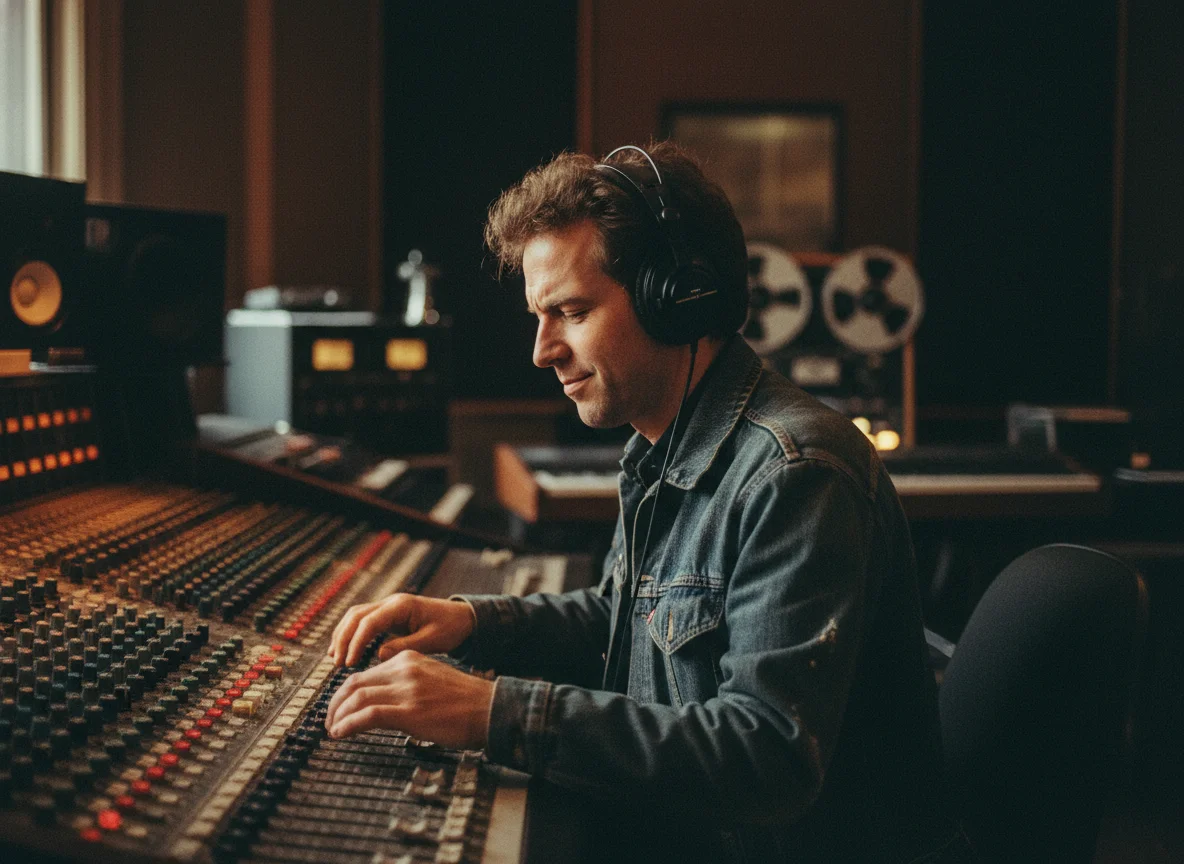
Build your ultimate DJ toolkit with BeatMV. Extract instrumentals for smooth transitions between tracks. Pull isolated vocals to create unexpected mashups that get the crowd going. Prepare a cappella versions for live mixing and beatmatching. BeatMV processes tracks fast so you can prep your entire set list in one session. The clean separation means no muddy audio or weird artifacts during your performance. From club nights to festival stages, DJs around the world use BeatMV to create unique sets that stand out.

Turn any song into a karaoke track with BeatMV. Just upload the original, remove the vocals, and you have a sing-along version ready in seconds. Host karaoke nights at home with any song you want, not just what is available in karaoke apps. Music students also love BeatMV for practice. Isolate the vocal line to study phrasing and technique. Remove vocals to practice singing over the real instrumental. Separate stems to analyze how drums, bass, and guitars work together. Learning music gets so much easier when you can hear each part clearly.
BeatMV combines powerful AI technology with a simple interface to give you the best vocal removal experience online.
BeatMV lets you remove vocals for free with no sign-up required. Just upload a song and get your separated tracks. No hidden fees, no watermarks on your audio. When you need more, affordable plans unlock extra features like stem separation and batch processing for power users.
BeatMV takes your privacy seriously. Your uploaded audio files are processed securely and automatically deleted after you download your results. We never store, share, or use your music for any other purpose. You keep full ownership of every track you process through our vocal remover.
Pop, rock, hip-hop, EDM, jazz, classical, or country, BeatMV delivers clean vocal separation across all genres. Our AI was trained on millions of songs so it understands different music structures. Complex mixes with heavy reverb, layered harmonies, or dense instrumentation are handled with consistent accuracy.
BeatMV goes beyond basic vocal removal. Use stem separation to split songs into vocals, drums, bass, guitar, and more. Each stem comes out clean and ready to use. Whether you are studying music production or building remix stems, BeatMV gives you full control over every element of a track.
Hear from our satisfied users about their experiences with BeatMV Vocal Remover.
As a music producer, BeatMV has transformed the way I work. The vocal removal is precise and fast, allowing me to focus on creating new mixes. The quality of the output is outstanding, and I can’t imagine working without it now.

John Smith
Music Producer
BeatMV's vocal remover is a game changer for my DJ sets. It lets me create unique mashups by quickly extracting vocals. The real-time processing is a massive plus, making my performances more dynamic and engaging.

Emily Johnson
DJ
Creating background tracks for my videos has never been easier. BeatMV’s easy-to-use tool helps me produce clean audio in minutes, enhancing my content quality significantly. Highly recommend it for fellow creators!

Robert Brown
Content Creator
Discover our full suite of AI-powered music creation and editing tools
Remove vocals from any song in three simple steps. No software to install, no audio skills needed.
Drag and drop your audio file into BeatMV or click to browse your files. We support MP3 and WAV formats up to 50MB. You can also use a task ID from BeatMV's AI music generator if you want to separate a track you already created on our platform.
Choose between vocal removal or full stem separation. Vocal removal gives you two tracks: clean vocals and instrumentals. Stem separation breaks the song into 12 individual parts like drums, bass, guitar, and vocals. Select the option that fits your project and click Separate Audio.
BeatMV processes your track in seconds. Once done, preview each separated track directly in your browser. Listen to the vocals, instrumentals, or individual stems to make sure they sound right. Then download the tracks you need. Your files are ready to use in any audio or video editing software.
Get answers to the most common questions about BeatMV's vocal remover tool.
Remove vocals from any song for free. Upload your track and get clean instrumentals in seconds with BeatMV.
Try Vocal Remover Now