Loading...
Loading...
Upload a song or paste a Suno or Udio link. BeatMV analyzes the music, builds an editable storyboard, and lets you review and retry each scene before export.
Recommended song length: around 1 minute.
BeatMV's AI music video generator gives you two ways to create: let the AI Director handle everything, or take full control in Custom Mode.
Upload your song and the AI Director analyzes your lyrics, beat structure, and mood automatically. It writes a complete storyboard, picks camera angles, generates scene images, and assembles a multi-scene music video — all from one click. You review, tweak what you want, and export. Perfect for creators who want fast, professional results without touching a timeline.
Want more creative control? Custom Mode lets you write your own scene descriptions, choose specific visual styles per scene, and guide the AI frame by frame. Add characters with reference photos so they appear consistently across every scene. It's like having a production studio that follows your exact vision — except it costs a fraction of the price.
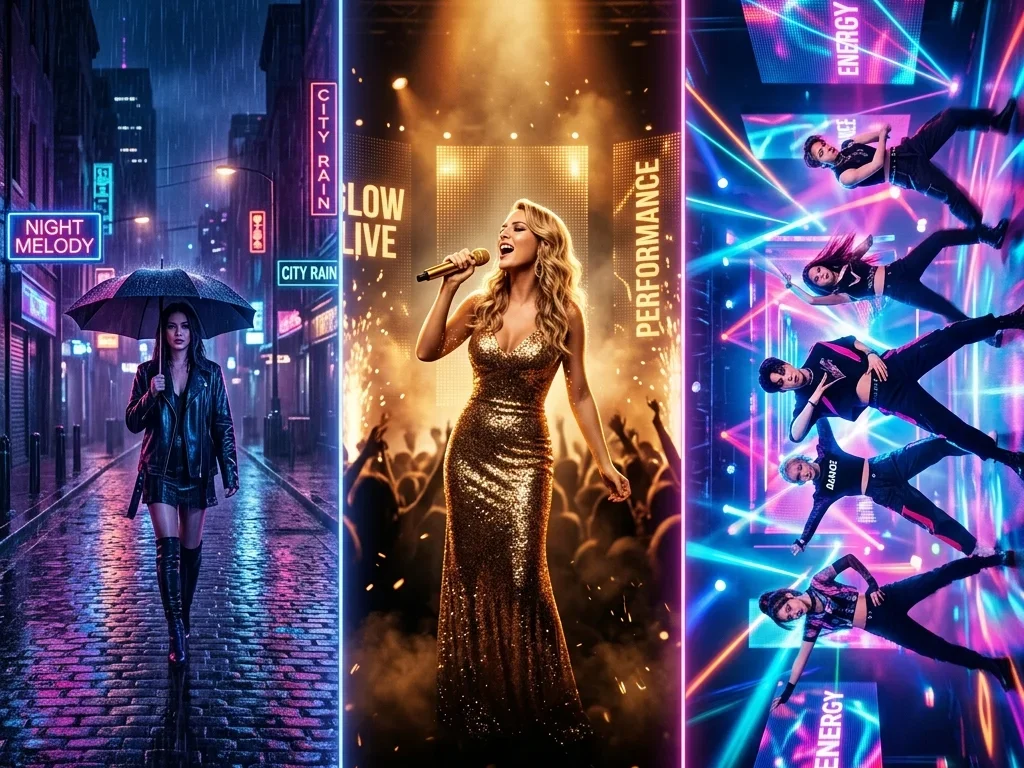
Choose Story Mode for cinematic short films with dramatic plot and emotional storytelling. Pick Singing Mode for glamorous vocal performances with spotlight close-ups and expressive lip-sync. Go with Dancing Mode for K-pop style choreography with dynamic camera angles and high-energy vibes. Each mode shapes how the AI generates scenes, transitions, and visual pacing to match your music.
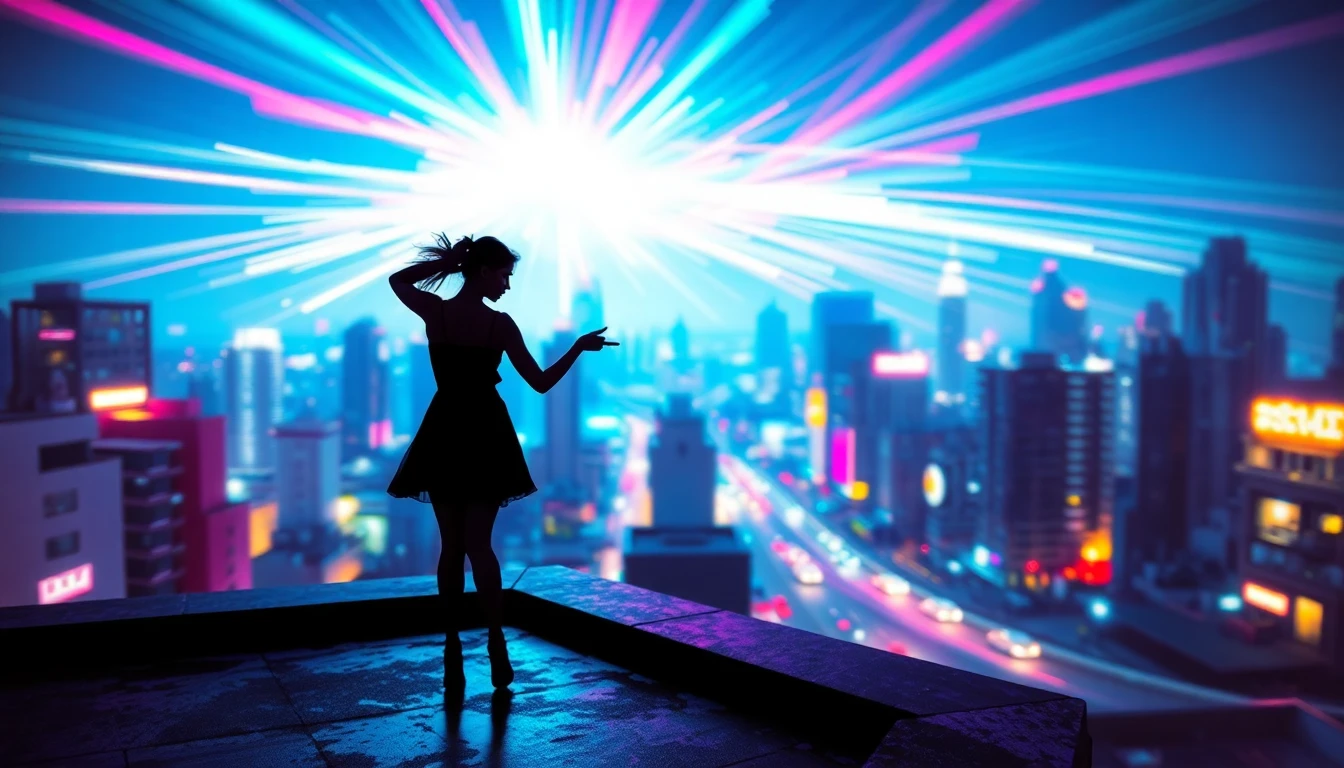
Pick from anime, cinematic, realistic, watercolor, cyberpunk, comic, fantasy, minimalist, 3D render, and more. Each style is purpose-built for different music genres. A lo-fi track looks great in watercolor. A trap beat hits harder in cyberpunk. You can even mix styles across scenes for a unique look no other AI music video generator offers.
The AI generates a full storyboard you can edit scene by scene. Don't like one image? Regenerate just that scene. Want to change the camera angle or add a character? Edit the prompt and hit regenerate. Reorder scenes with drag and drop. Delete or add new ones anytime. You keep full creative control without starting the whole video over.
BeatMV's AI analyzes your track's BPM, energy shifts, and vocal cues. Scene changes land on beat drops. Camera movements follow the rhythm. Transitions match the energy — smooth fades for ballads, hard cuts for EDM. Your audience feels the music and sees it at the same time, which is what makes AI-generated music videos go viral.
Musicians, content creators, and brands use BeatMV every day. Here are the most popular ways people turn their music into stunning visuals.
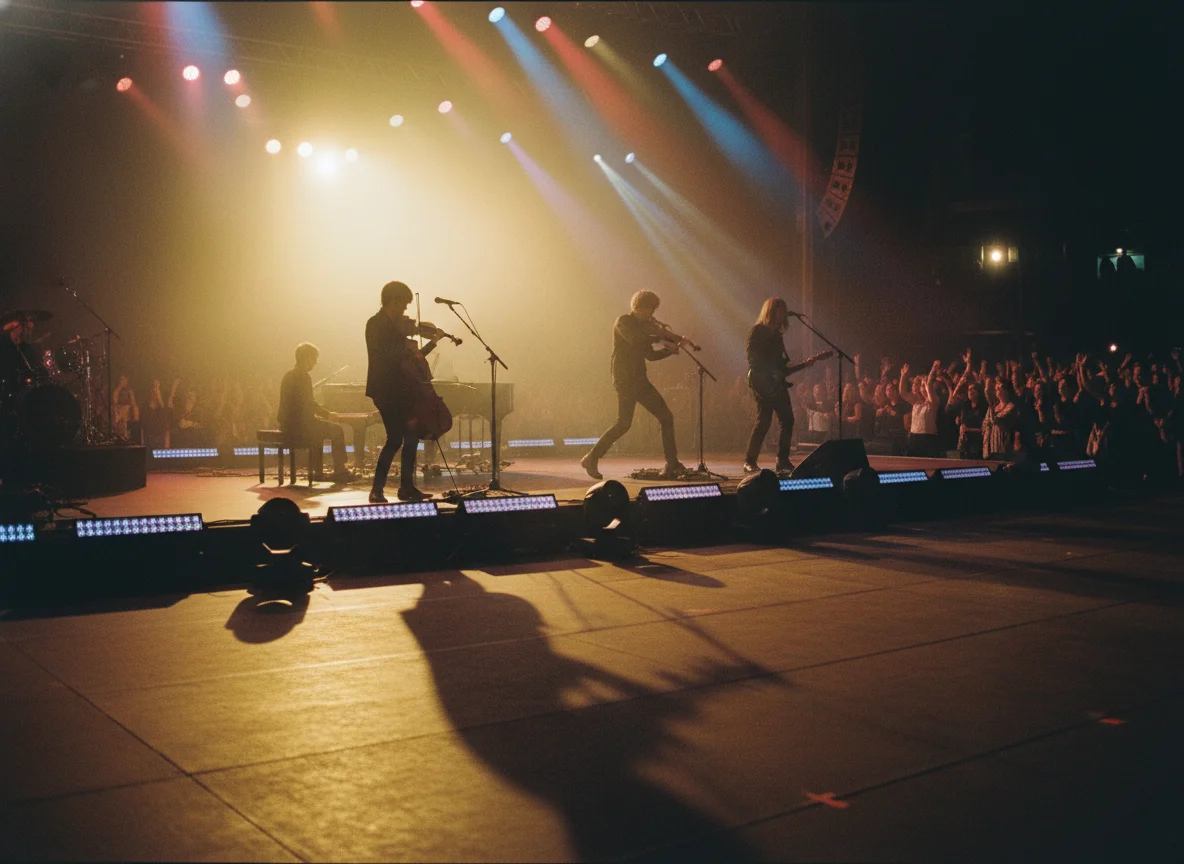
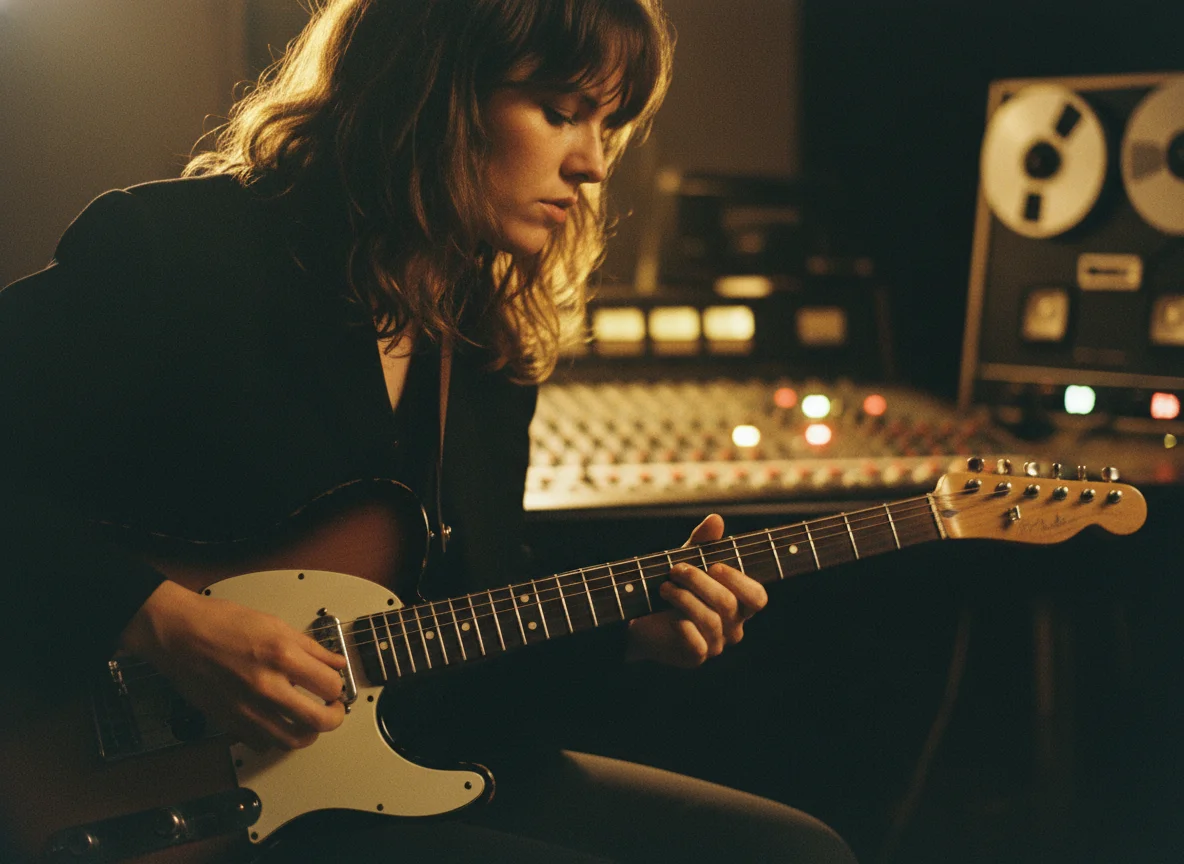
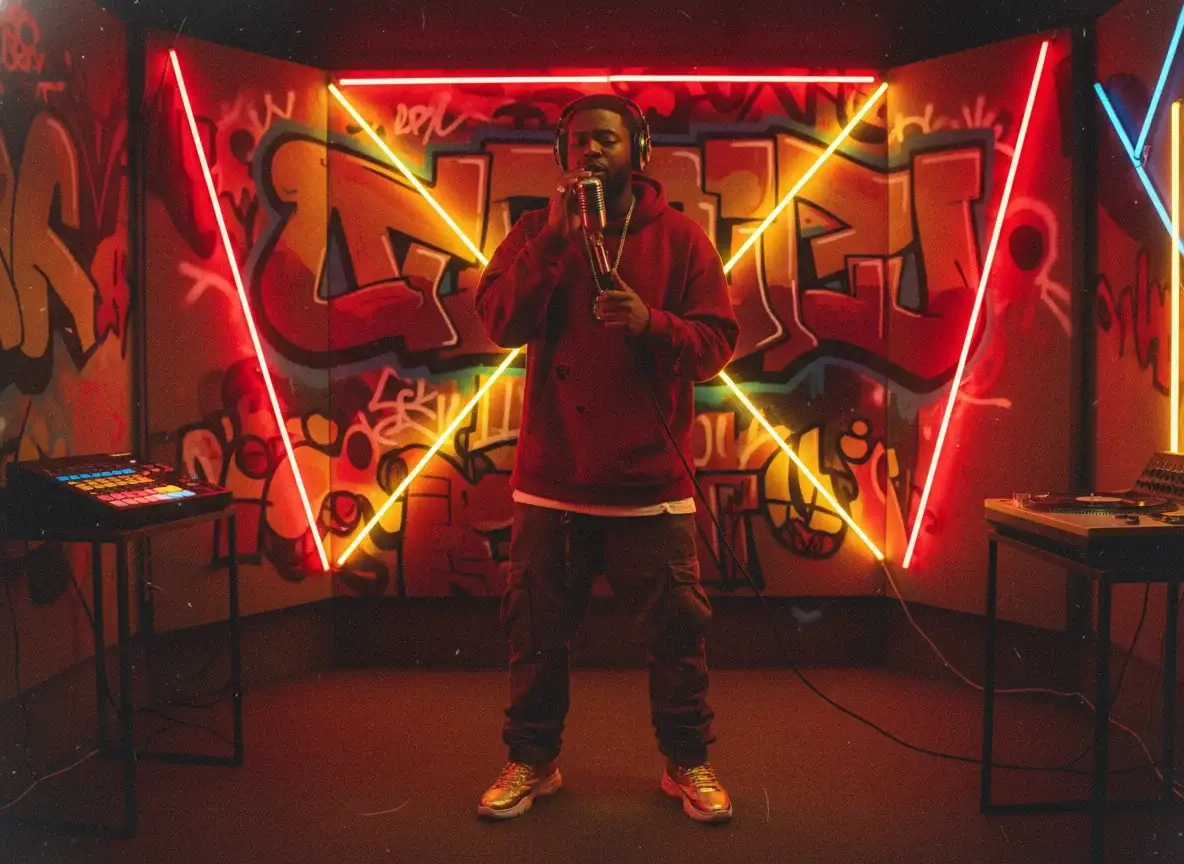
You don't need a film crew to drop a music video. Upload your track to BeatMV, pick a visual style, and get a full video in minutes. Indie artists use this AI music video generator to release professional visuals with every single — no budget, no delays.
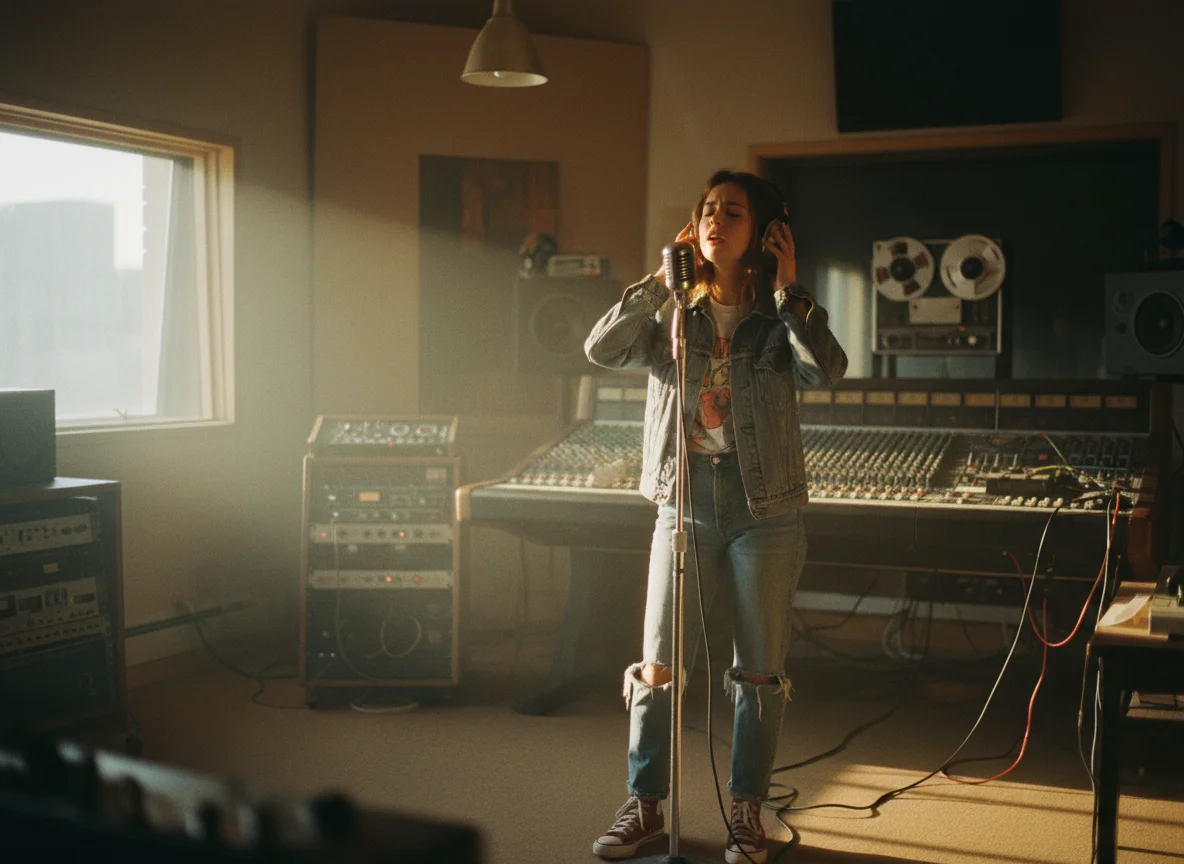
Short-form video gets more views when it looks great. BeatMV creates eye-catching clips that sync to your beat drops. Export in 9:16 for TikTok, Instagram Reels, or YouTube Shorts. Many creators use this AI music video generator to ride trending sounds with scroll-stopping visuals.
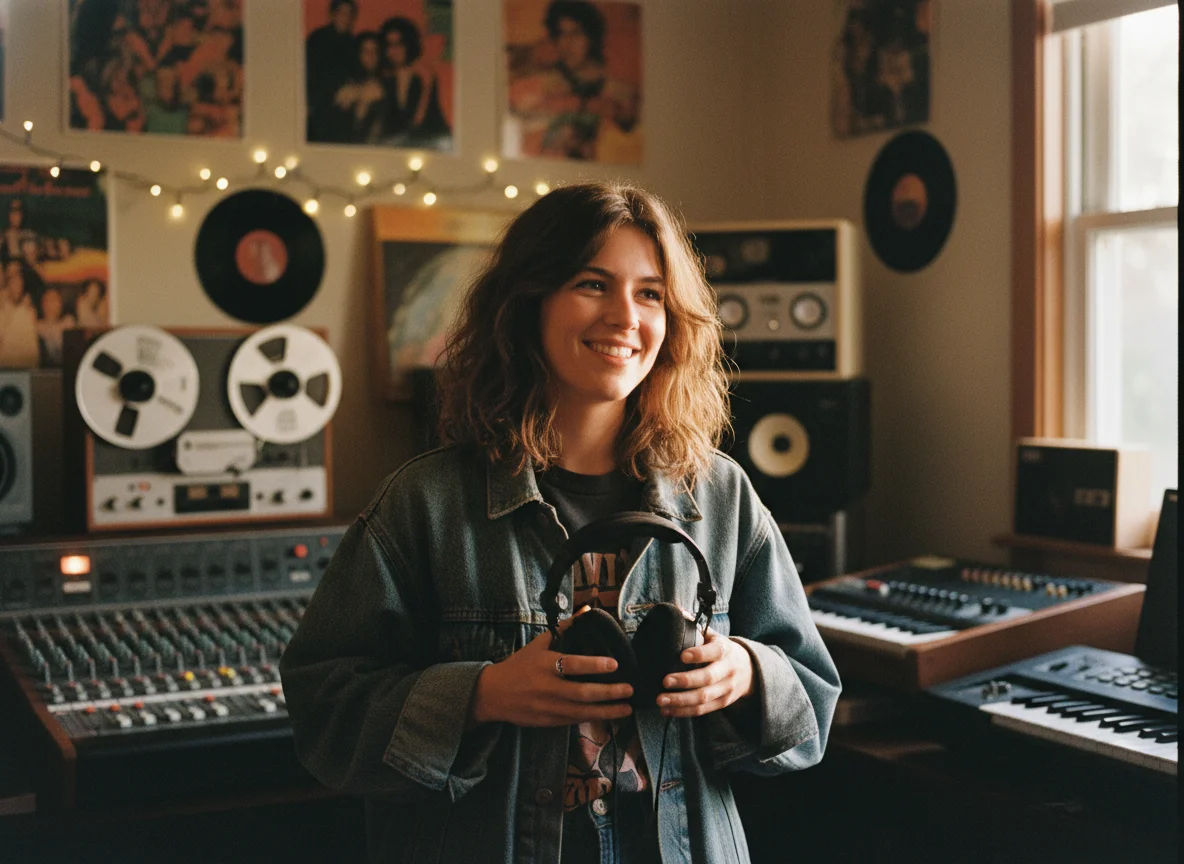
Videos keep viewers watching longer than static images or lyric slides. BeatMV turns your songs into full music videos that boost watch time and ad revenue. Upload once, get a video that looks like you spent thousands on production — but you made it in 10 minutes.
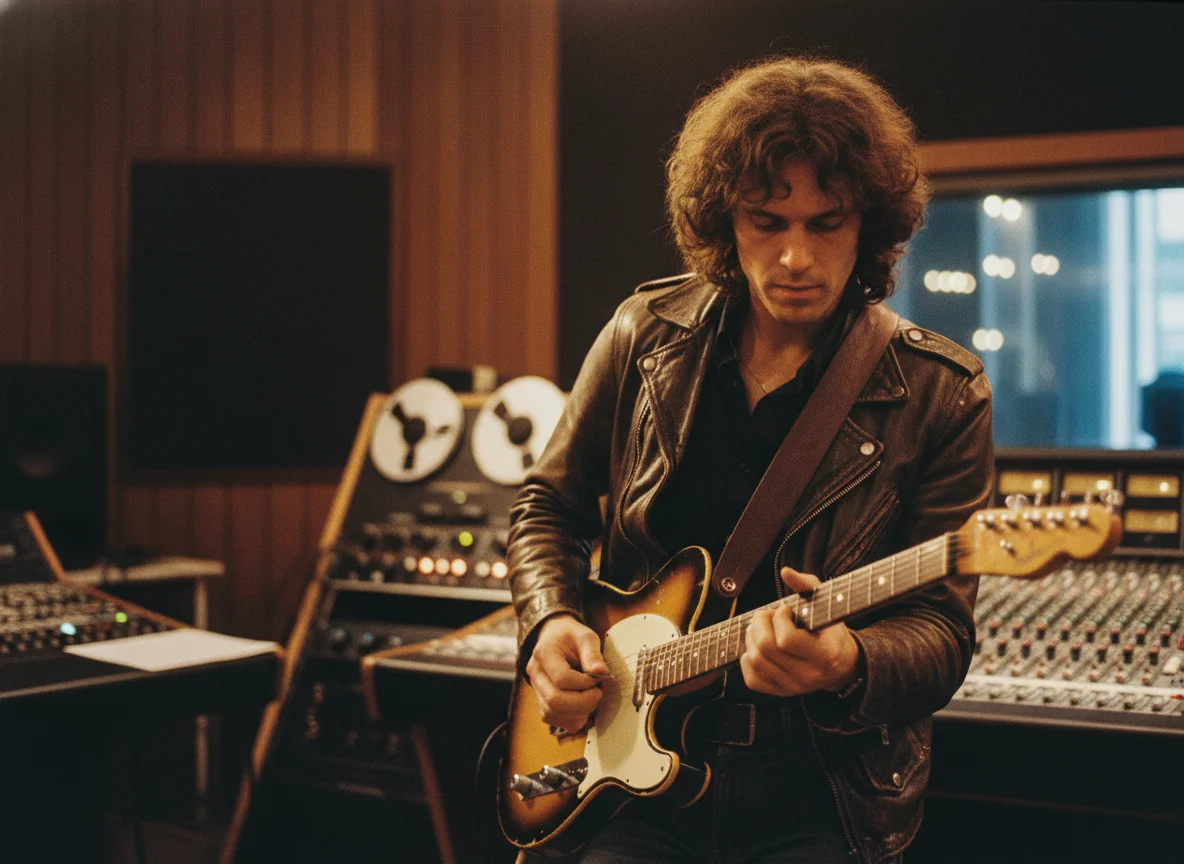
Podcasters are turning audio into video to reach bigger audiences. BeatMV takes your podcast episode and adds dynamic visuals that match the energy of your conversation. Post clips on social media and watch your listener base grow beyond audio-only platforms.
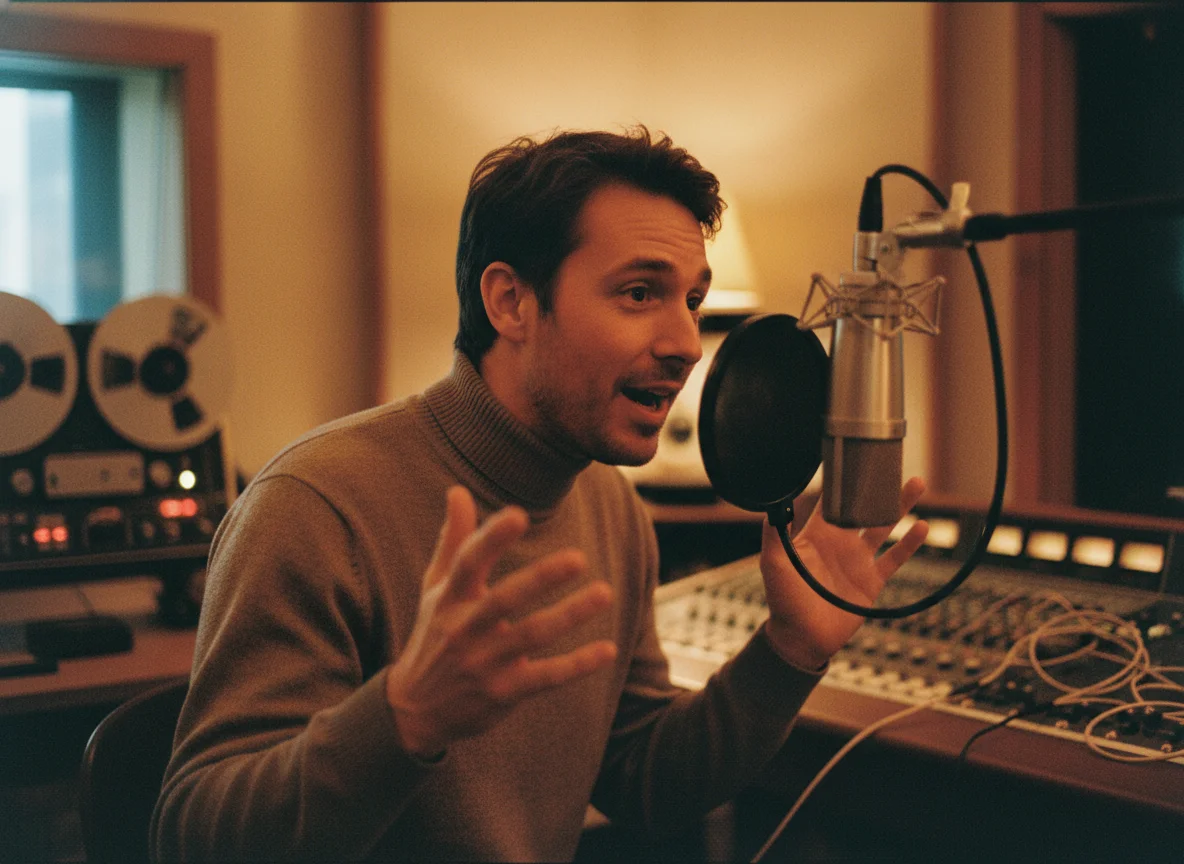
Gamers and streamers need intros, highlight reels, and trailers. BeatMV generates cinematic visuals in cyberpunk, sci-fi, and fantasy styles that match your gaming content. Pick your favorite scenes, add your gameplay track, and export a montage that gets clicks.
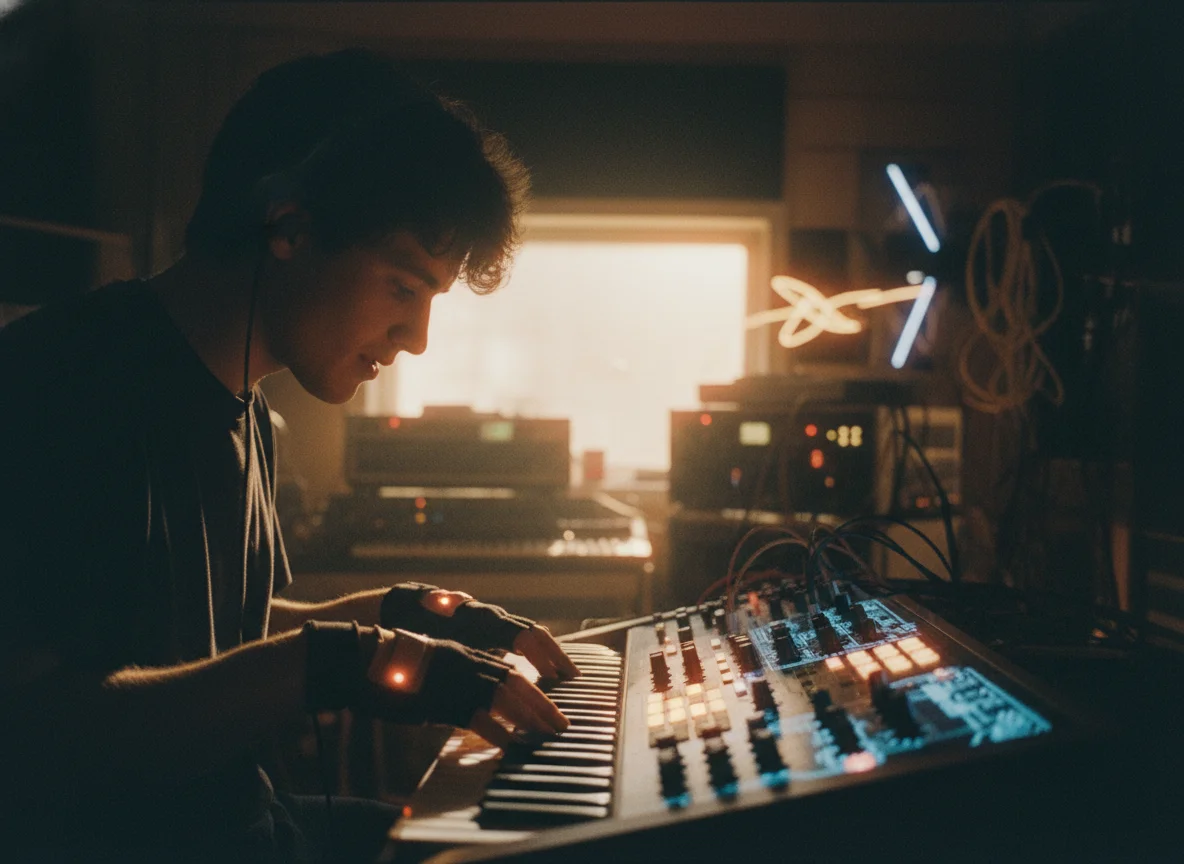
Brands and agencies use BeatMV to create promo videos with licensed music. Pick a style that matches your brand identity, add your track, and get a polished video for ads, events, or social campaigns. No video editing skills needed — the AI handles everything.
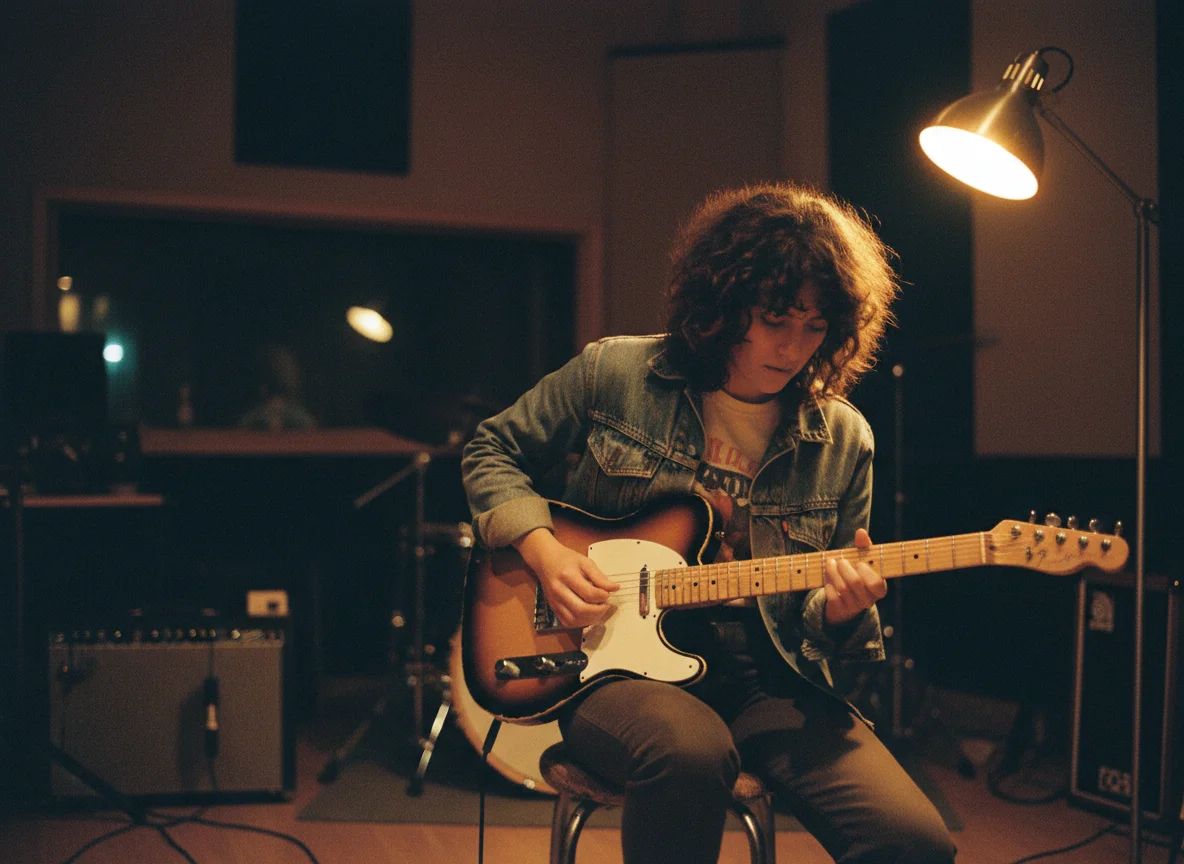
Discover reasons to choose BeatMV.
Experience BeatMV's capabilities with a free trial, allowing you to explore its features before committing.
BeatMV ensures your videos are of the highest quality, perfect for professional use and sharing.
Enjoy quick video generation with BeatMV's advanced algorithms, saving you time and delivering results promptly.
BeatMV's user-friendly design requires no technical expertise, making it accessible for everyone.
Hear from those who love BeatMV.
Using BeatMV, I created stunning videos quickly. The customizable styles matched my music perfectly, transforming my production process and saving me hours.

John Smith
Music Producer
BeatMV's high-resolution output captivated my audience. My videos now look professional, increasing views and engagement on my channel.

Emily Johnson
Content Creator
BeatMV helped me add visuals to my podcasts. The process was seamless, and the end result was more engaging content for my listeners.

Michael Brown
Podcaster
Follow these easy steps to get started.
Drag and drop your music file into BeatMV's interface. Supported formats include MP3, WAV, FLAC, and M4A.
Select from a range of visual styles that best match your music's mood. BeatMV offers classical, modern, and abstract options.
Click 'Generate' to create your video. Once complete, download the high-resolution file ready for sharing.
Experience the effortless way to transform your music into stunning videos with BeatMV. Try it today.
Try Ai Music Video Generator Now