Loading...
Loading...
Turn finished Udio songs into AI music videos with BeatMV. Upload your track, choose a visual direction, and export a share-ready video in minutes.
Recommended song length: around 1 minute.
Discover the standout features of BeatMV's conversion tool.
Shape how your Udio track looks on screen. Adjust style, mood, colors, and effects for every scene, so the video matches the sound you already perfected. Each project can have its own distinct visual identity.
BeatMV reads the beat of your Udio song and locks every cut, transition, and effect to it. Visuals move with the music, which research shows keeps social media viewers watching far longer than static images.
Upload your Udio song as MP3 or WAV and export polished MP4 video. Choose aspect ratios for YouTube, TikTok, Reels, and Shorts, and keep full control of resolution so quality stays high on every platform.
You do not need editing experience. Add your Udio track, answer a few simple prompts, and BeatMV plans the scenes for you. The whole flow happens on one page, so your first video takes minutes.
Start from sample music videos and proven style presets instead of a blank page. Browse the gallery, pick a look that fits your Udio song, and BeatMV applies the whole direction to your project in one click.
BeatMV analyzes your Udio song in seconds and renders scenes in parallel, so most projects finish in minutes. Export quickly at full quality and post the video while your track is still trending.
Explore diverse scenarios and maximize BeatMV's potential.
Turn your Udio track into a lyric video that moves with the music. BeatMV breaks the song into lines, times each lyric to the beat, and pairs the words with scenes that match the mood. Fans can sing along from the very first listen.
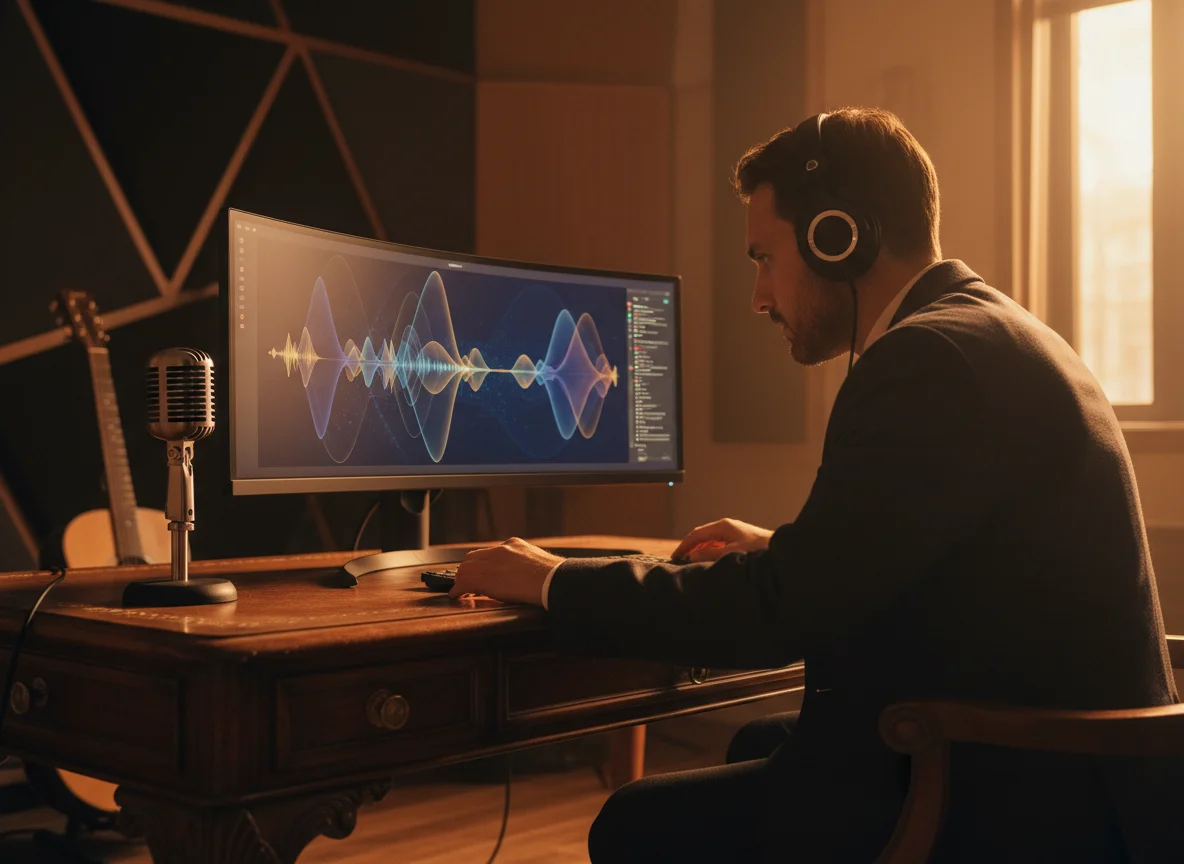
Give your podcast intro or theme made in Udio a visual identity. BeatMV converts the audio into a dynamic video opener you can reuse across YouTube, Spotify clips, and social posts. Moving visuals make your show easier to notice and remember in crowded feeds.
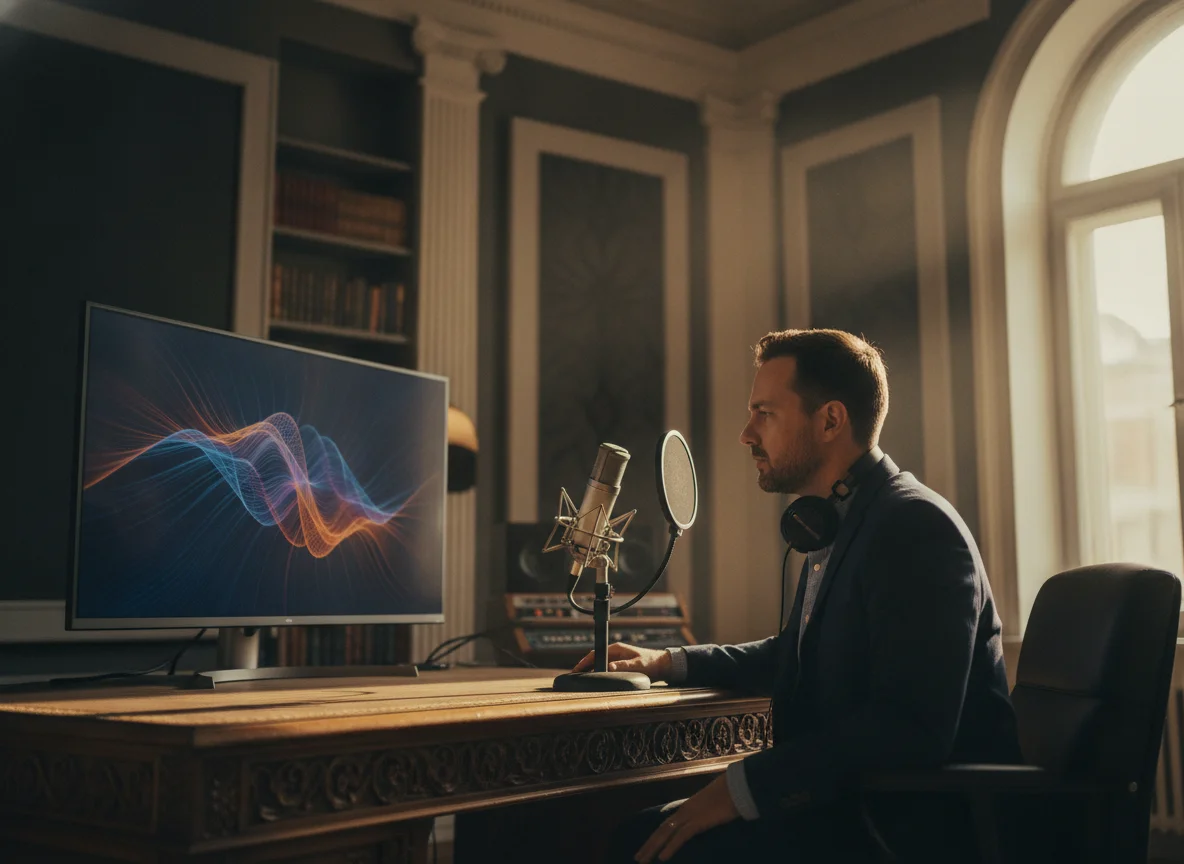
Marketers can turn a Udio brand track into a complete promo video without hiring an editor. Set the style to match your brand, let BeatMV sync visuals to the hook, and export sizes for every ad placement. One audio file becomes a full set of campaign assets.
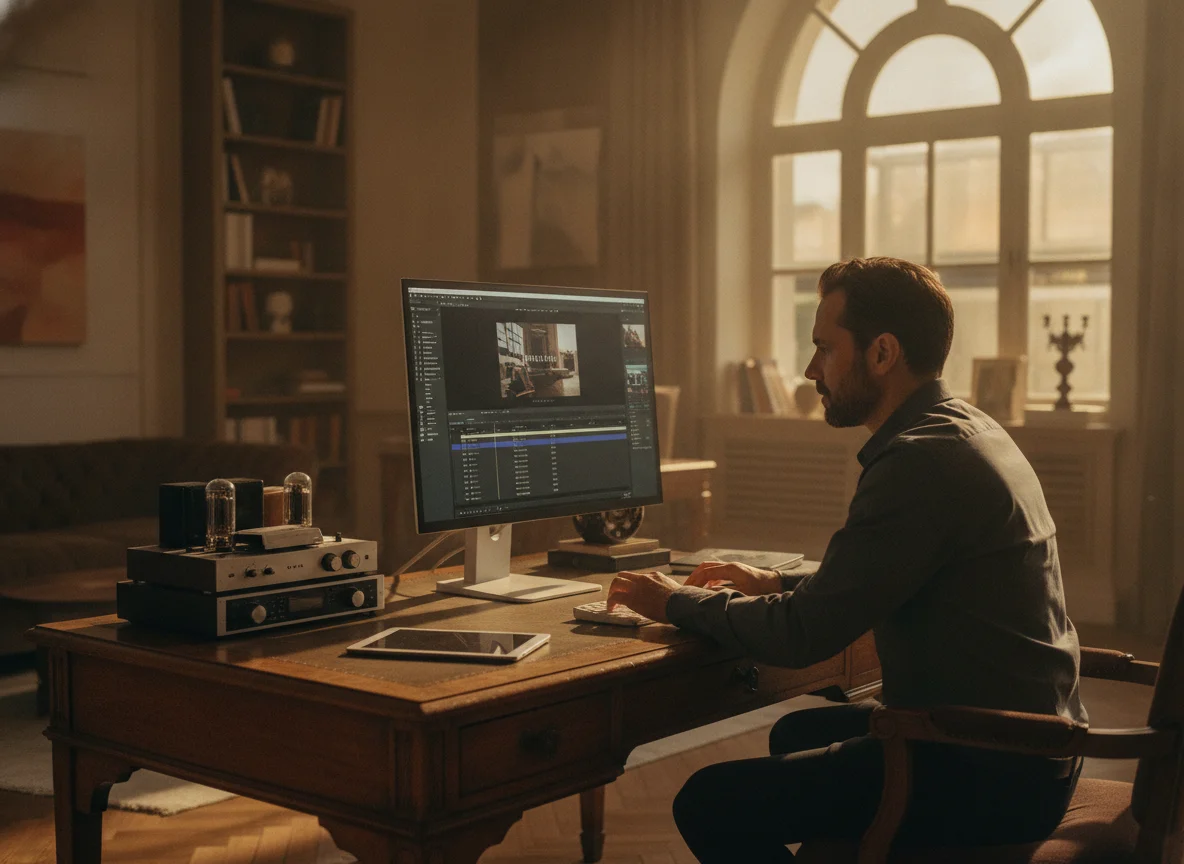
Sound designers can turn ambient Udio soundscapes into immersive visual experiences. BeatMV translates texture and energy into moving scenes, like a waveform animation grown into a full film. Use the results for installations, background loops, meditation channels, or storytelling projects that need atmosphere.
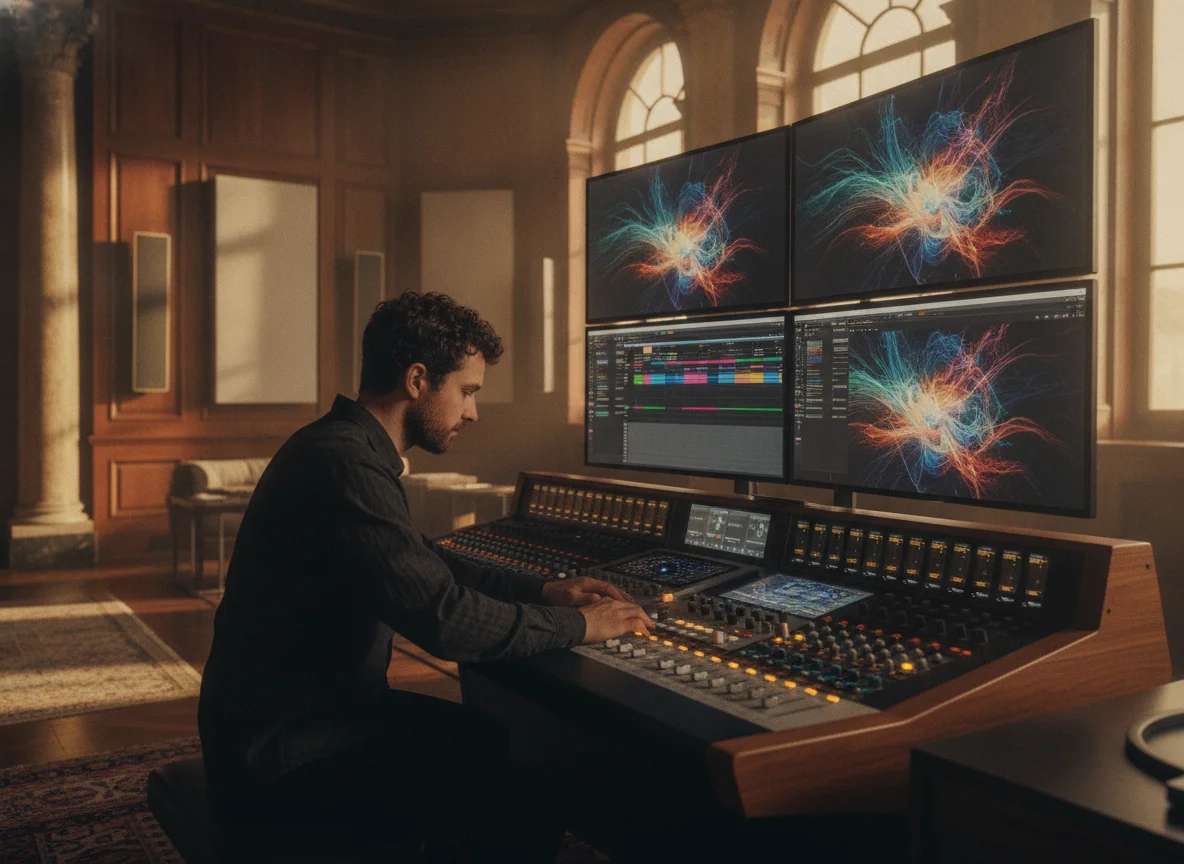
Explore the benefits of using BeatMV for your projects.
You can test BeatMV before spending anything. Free credits cover your first Udio to video projects, so you can try styles, check the output quality, and see the workflow yourself. No card is needed to start, and you upgrade only when it earns it.
Editing a music video by hand takes days or weeks. BeatMV finishes most Udio to video projects in minutes, from song analysis to final render. That speed lets you publish more often, test more ideas, and ride trends while they are still hot.
BeatMV exports sharp, high-resolution video with film-inspired color and smooth motion. Scenes stay consistent across the whole project, so the result looks produced rather than generated. Your Udio track keeps its impact when the visuals finally match the sound you worked hard on.
BeatMV is built for musicians and creators, not video editors. There are no timelines or plugins to learn. You upload your Udio song, make a few choices about style and direction, and the AI handles the rest. Anyone can finish a video on the first try.
Read feedback from our satisfied users.
Using BeatMV’s advanced customization, I turned my tracks into stunning videos. Before, I struggled with editing, but now, my videos look professional and engaging. Highly recommended!

John Smith
Music Producer
BeatMV helped me transform my audio episodes into visual masterpieces. My audience engagement has skyrocketed since using their synchronization features. It's a game-changer for podcasters!

Emily Johnson
Podcaster
Thanks to BeatMV, our promotional content now stands out. The multi-format support made it easy to create diverse marketing videos that resonate with our audience.

Michael Brown
Marketing Specialist
Keep creating with related BeatMV tools for music, lyrics, vocals, visuals, and full music video production.
Take your Udio song into a full, editable production with a planned visual story, consistent references, and control over every generated scene.
Learn the simple steps to convert audio to video.
Upload your Udio song as an MP3 or WAV file, or drag and drop it into BeatMV. The AI reads the track's mood, structure, and energy to prepare your video scenes.
Pick Director, Script, or Custom mode, then choose the style and mood that fit your Udio track. BeatMV builds a scene-by-scene storyboard, and you can adjust any scene before rendering.
Review the finished video, regenerate any shot you want to improve, and export as MP4. Your Udio music video comes out sized for YouTube, TikTok, or wherever your audience watches.
Answers to common questions about BeatMV.
Your Udio track is ready for the spotlight. Start free with BeatMV, give your song matching visuals, and publish your first AI music video today.
Try Udio To Video Now