Loading...
Loading...
Turn finished Suno songs into AI music videos with BeatMV. Paste your track, pick a style, and export a scene-by-scene video in minutes.
Recommended song length: around 1 minute.
Discover what makes BeatMV the fastest way to turn Suno songs into videos.
Pick a visual style like cinematic, anime, or retro film before BeatMV builds your video. You can set the mood, switch styles per project, and keep every scene matched to the feel of your Suno song.
BeatMV turns a finished Suno track into a storyboarded music video in minutes, not days. Upload the song, let the AI plan scenes, and get a ready-to-edit video while your ideas are still fresh.
Your video exports in sharp high resolution that looks clean on YouTube, TikTok, and big screens. BeatMV keeps colors vivid and motion smooth, so your Suno song gets visuals that feel professional.
Bring your Suno song as an MP3 or WAV file, or paste the track link. BeatMV reads common audio formats and exports videos in sizes that fit YouTube, TikTok, Reels, and Shorts.
You do not need editing skills. Choose Director mode, answer a few simple prompts, and BeatMV handles scenes, timing, and transitions. Most creators finish their first Suno music video on the very first try.
Your uploads stay private. BeatMV stores your Suno tracks and finished videos in secure cloud storage, never shares them, and lets you delete projects anytime. You keep full control of every file you create.
Explore the versatile use cases of BeatMV.
Turn a Suno jingle or brand track into a short promo video your audience actually watches. BeatMV matches visuals to the beat, adds your chosen style and mood, and exports clips sized for TikTok, Reels, and YouTube ads. One song can become a full campaign.
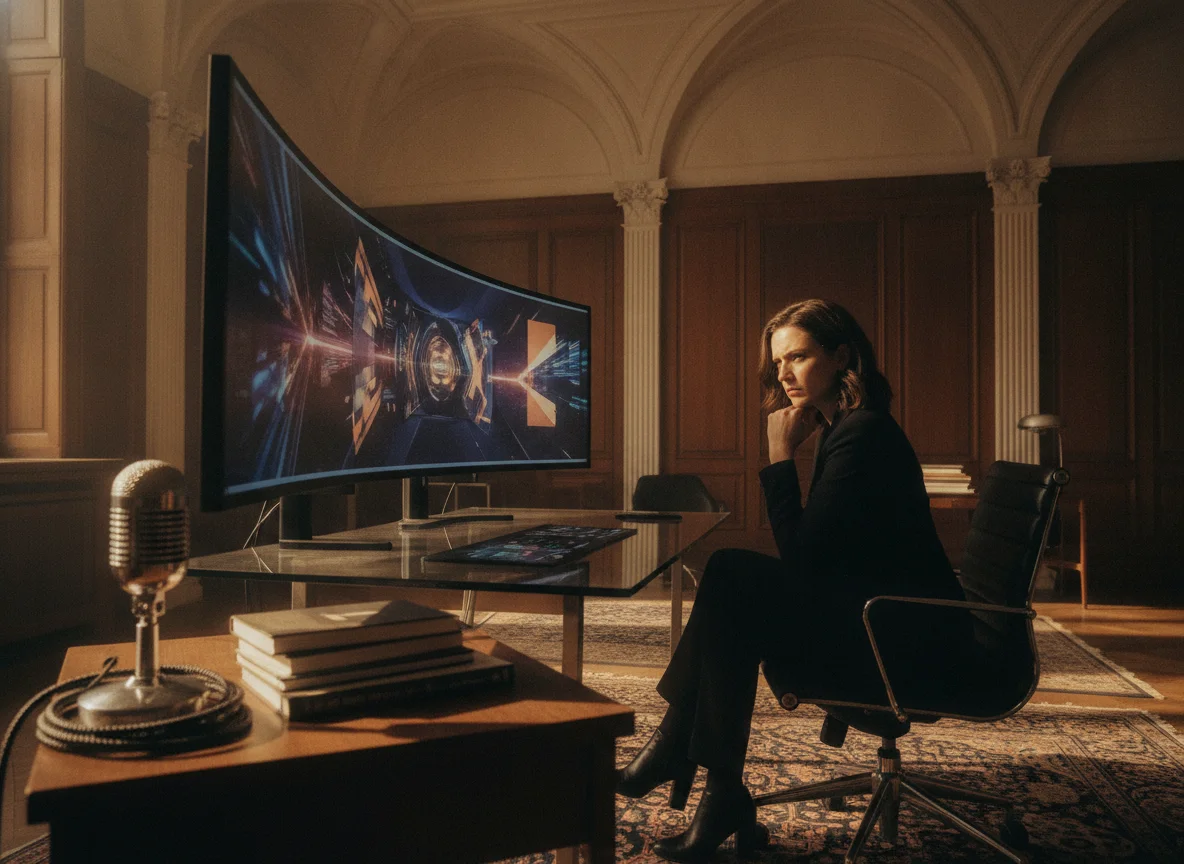
Use your Suno track as a digital canvas. BeatMV reads the energy of the music and paints scenes with film-style color, so an experimental song becomes moving art in minutes. Creators describe the results as improvisation on a digital canvas, ready for galleries or social feeds.
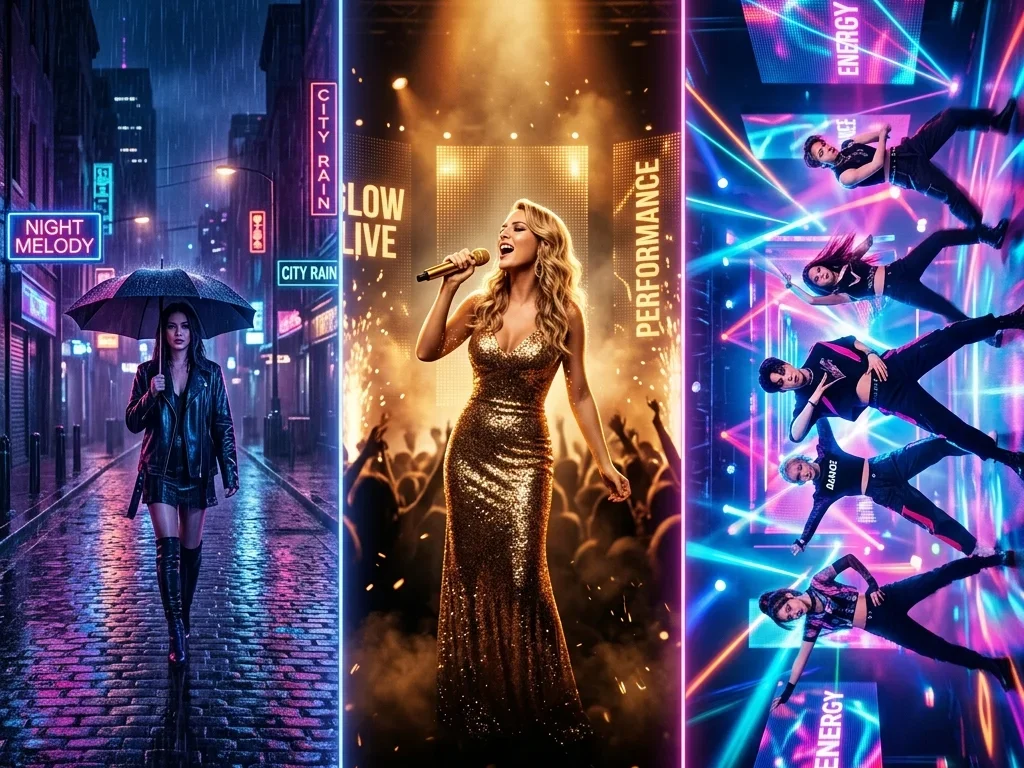
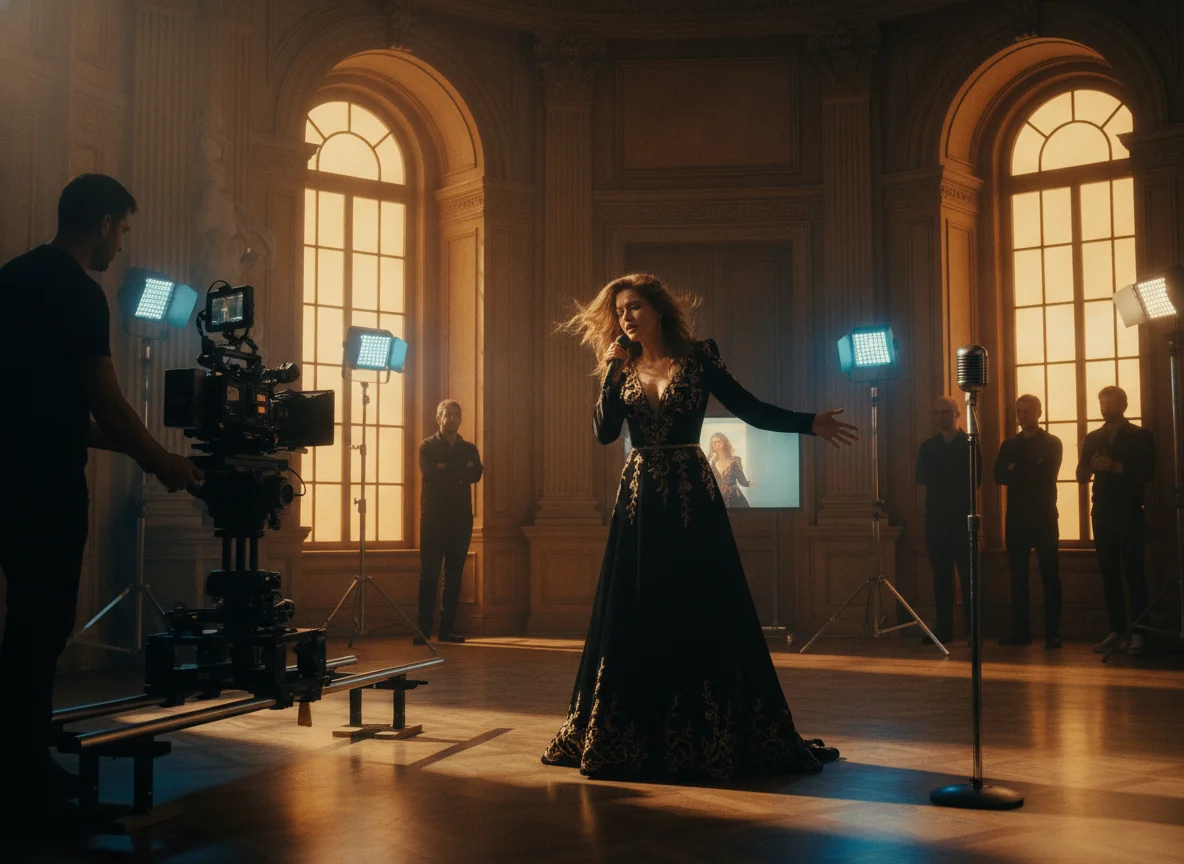
Release a real music video for every Suno song you publish. BeatMV plans the story, builds scenes around your lyrics, and syncs every cut to the beat. Choose Storytelling, Singing, or Dancing direction and get a video that is ready for YouTube the same day.
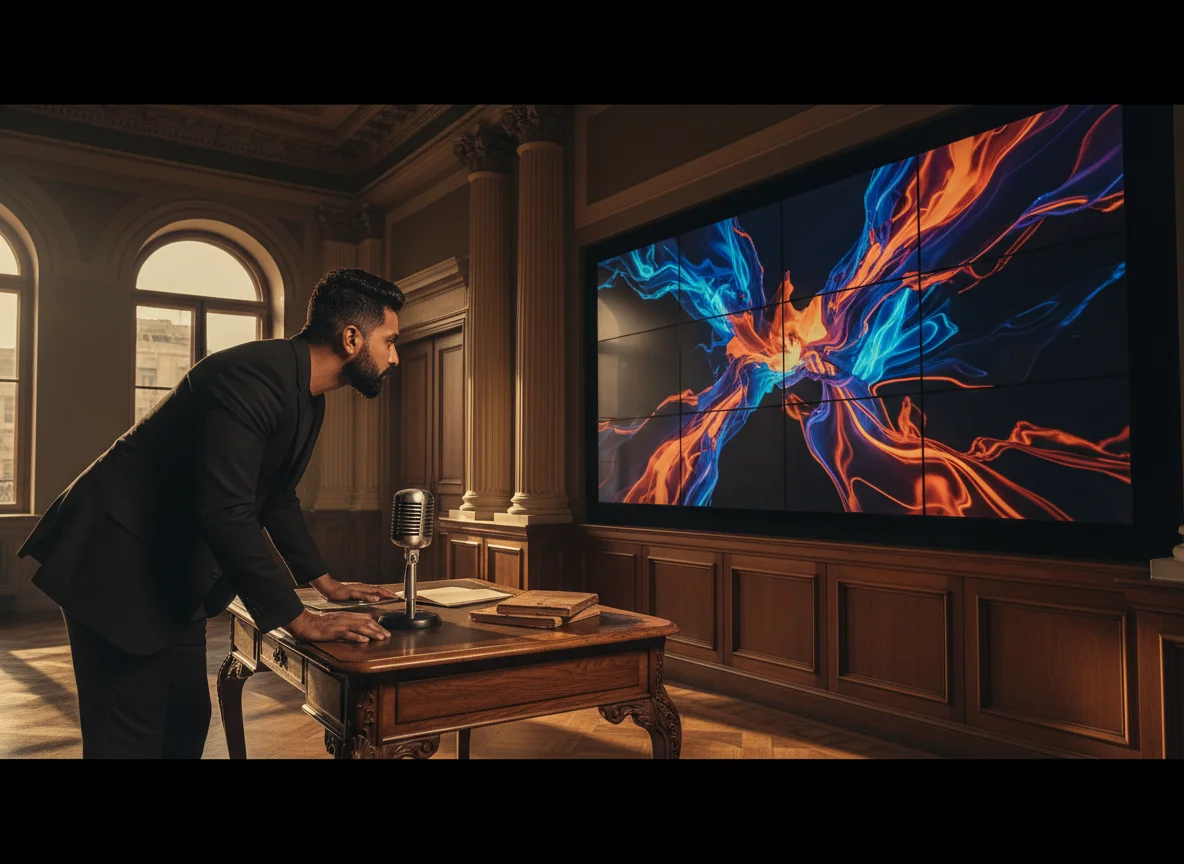
Teachers and course creators can turn Suno songs into visual lessons. BeatMV converts an educational track into scenes that hold attention, which makes facts easier to remember. Build a song about history or science, generate the video, and share it with your class in minutes.
Learn why BeatMV is the preferred choice.
You can try BeatMV without paying first. Free credits let you convert a Suno song into a video, test visual styles, and check the quality yourself. There is no card required to start, so you only upgrade when the results already work for you.
A traditional music video takes weeks of shooting and editing. BeatMV plans scenes and renders your Suno to video project in minutes, so you can publish while your song is still new. Fast turnaround means you can test more ideas and post more often.
BeatMV uses film-inspired color and smooth motion so your videos look produced, not generated. Scenes stay consistent from shot to shot, and exports come out sharp on phones and large displays. Your Suno track deserves visuals that match its sound quality.
Everything happens in one simple flow: add your Suno song, pick a direction, and generate. No timelines, plugins, or editing software to learn. If you can fill in a short form, you can finish a complete music video with BeatMV on your first session.
Hear from our satisfied users about their experiences.
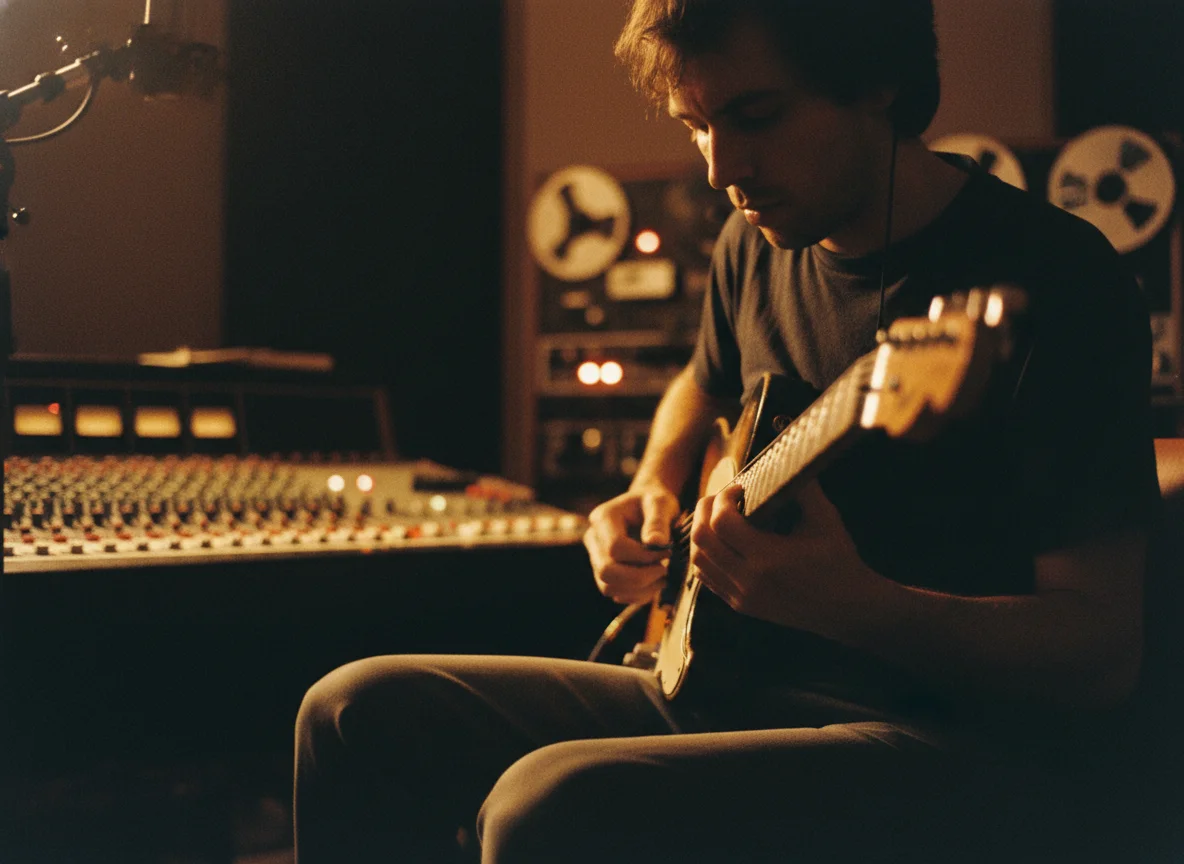
BeatMV's customizable styles helped me create eye-catching videos that boosted my engagement. It was quick and simple to use, making my workflow seamless.

Emily Johnson
Content Creator
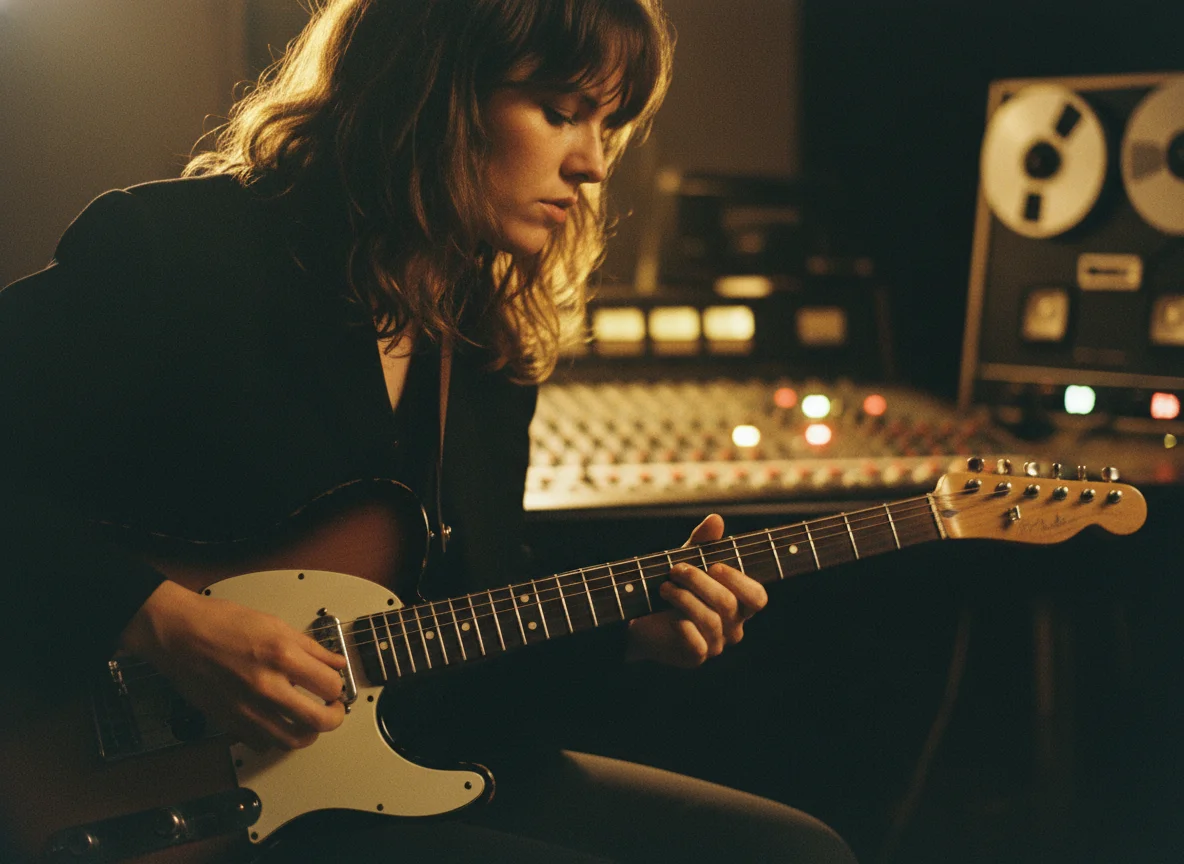
Creating music videos was always time-consuming until I used BeatMV. The fast processing saved me hours, and the quality didn't disappoint.

Michael Brown
Music Producer
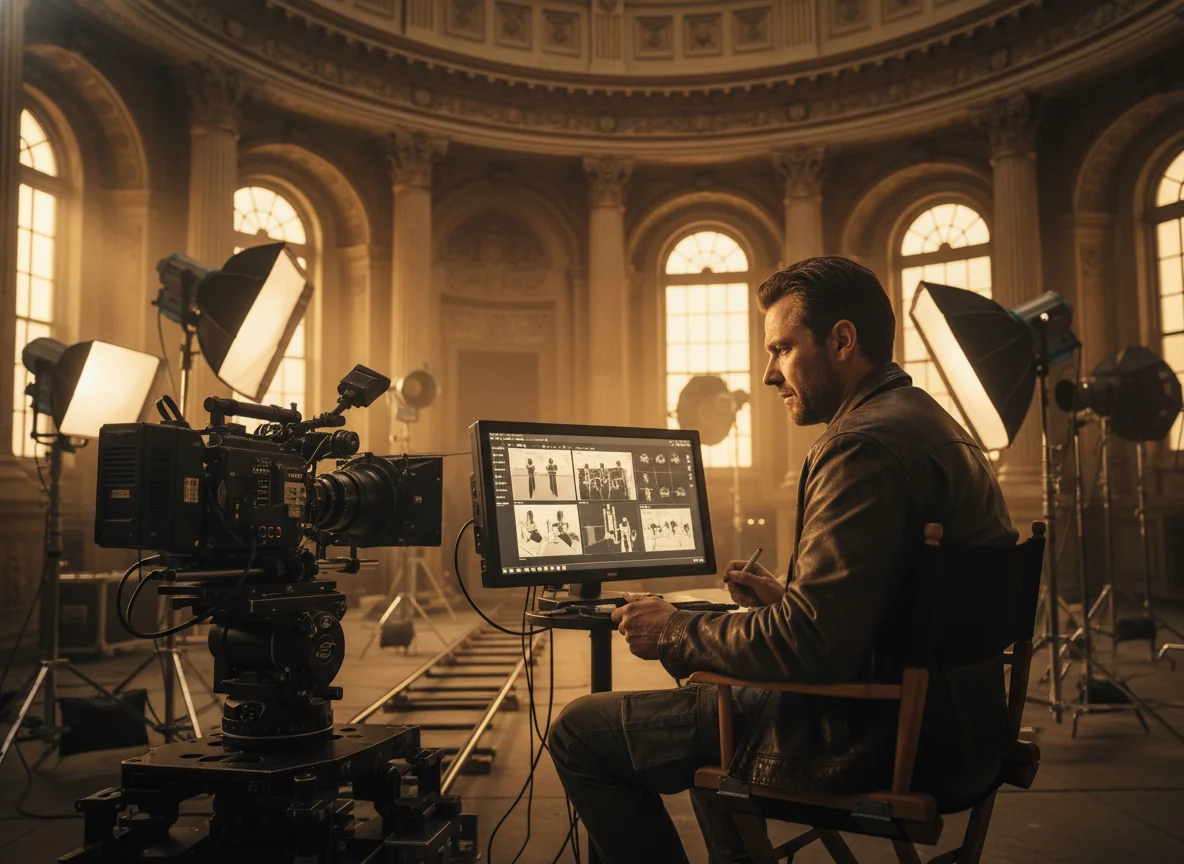
BeatMV delivered stunning video quality that matched my film's aesthetics. The ease of use and the output truly exceeded my expectations.

Sarah Davis
Film Director
Keep creating with related BeatMV tools for music, lyrics, vocals, visuals, and full music video production.
Move from a finished Suno track to an editable, scene-by-scene production with music analysis, storyboarding, character references, and shot-level retries.
Follow these steps to create videos from audio.
Paste your Suno song link or upload the audio file as MP3 or WAV. BeatMV reads the track's mood, lyrics, and structure, then uses that information to plan your video scenes.
Choose Director, Script, or Custom mode, then set the style and mood you want. Pick Storytelling, Singing, or Dancing direction, and BeatMV builds a scene-by-scene storyboard that follows your choices.
Review the finished scenes, swap any shot you want to change, and export. Your Suno music video downloads in high quality, sized for YouTube, TikTok, or wherever you plan to share it.
Find answers to common questions about BeatMV.
Your Suno song already sounds great. Give it visuals to match. Start free with BeatMV and publish your first AI music video today.
Try Suno To Video Now