Loading...
Loading...
Turn any song into a completely new remix with BeatMV's AI music remixer. Change the genre, adjust the tempo, swap instruments. The AI rebuilds the arrangement while keeping the soul of the original.
Click to upload or drag and drop
MP3, WAV, M4A (Max 50MB)
Recommended: 120-130 BPM
Ask the model to create an accompaniment-focused remix. Use Remove Vocals when you need separated stems.
Credits: 5
No sample tracks available
Everything you need to remix songs like a pro, powered by AI technology.
Turn any song into a completely different genre with one click. Want to hear your favorite pop track as jazz, EDM, or hip-hop? BeatMV's AI music remixer analyzes the original melody, harmony, and rhythm, then rebuilds the arrangement in your chosen genre while keeping the soul of the song intact.
You decide how your remix sounds. Adjust tempo, key, and intensity with simple sliders. BeatMV gives you control over beats, effects, and audio layers so you can fine-tune every detail. Whether you want a subtle genre shift or a dramatic transformation, the AI music remixer adapts to your creative vision.
Every remix you create sounds professional and polished. BeatMV uses advanced audio algorithms to maintain clarity, depth, and richness in your remixed tracks. The AI preserves vocal quality and instrument separation, so your final output is ready for streaming platforms, social media, or live performances without extra editing.
Choose from over 30 music genres and sub-genres, including EDM, lo-fi, reggaeton, classical, trap, and country. BeatMV's AI music remixer covers every popular style so you can experiment freely. Mix and match genres to discover sounds you never imagined, and create truly unique remixes every time.
No music production experience? No problem. BeatMV's clean, simple interface guides you through the remix process step by step. Upload your track, select a genre, adjust settings if you want, and hit remix. The AI music remixer handles all the complex audio engineering behind the scenes automatically.
Get your finished remix in just 2 to 4 minutes. BeatMV's AI processes audio quickly so you spend more time creating and less time waiting. Whether you are remixing a single track or experimenting with multiple genres, the fast processing speed keeps your creative flow going without interruption.
Real people use BeatMV's AI music remixer to solve real creative challenges every day.
Video creators on YouTube, TikTok, and Instagram constantly need fresh background music that stands out. With BeatMV's AI music remixer, you can take any track and transform it into a completely new genre that matches your video's mood perfectly. Turn a calm acoustic song into an energetic EDM beat for action content, or remix a pop hit into a lo-fi version for vlogs. You get unique audio that helps your videos stand out in crowded feeds, boosts viewer engagement, and avoids copyright strikes from using unmodified tracks.
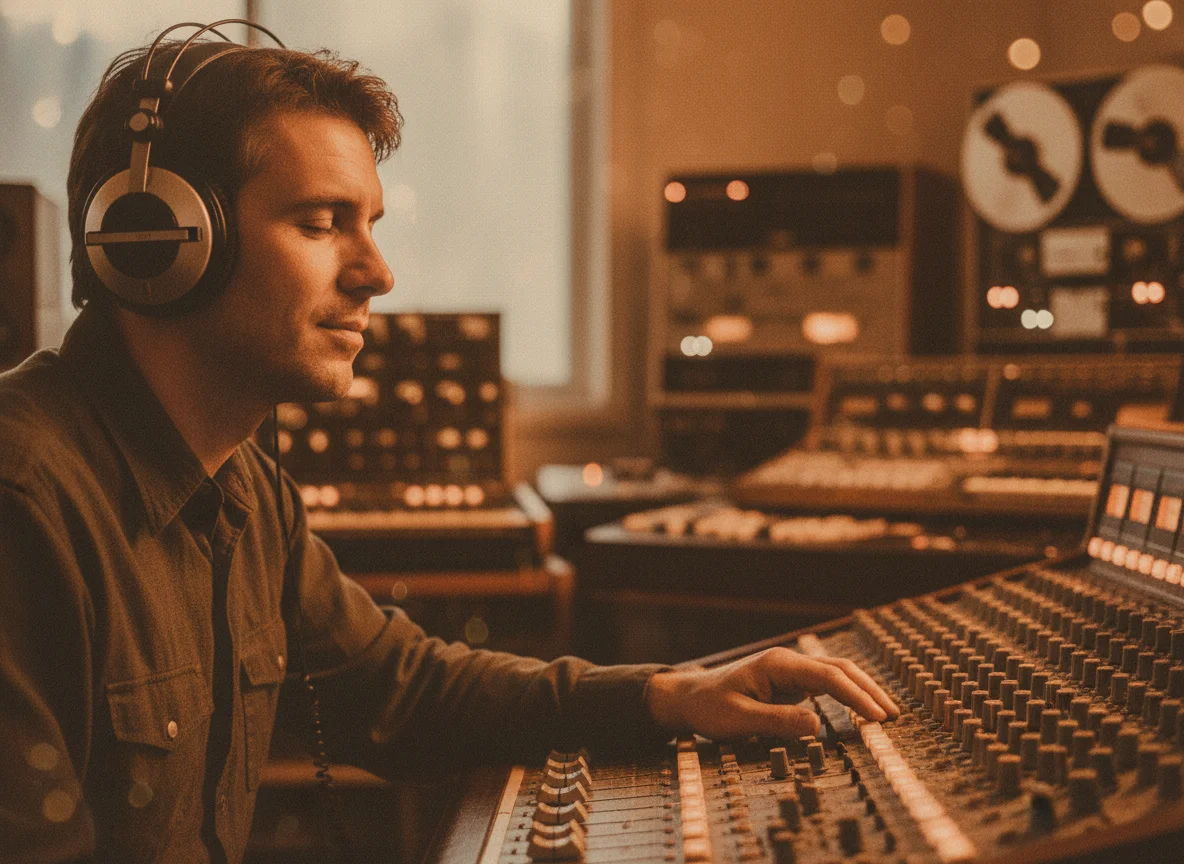
Podcasters know that great audio keeps listeners coming back. BeatMV's AI music remixer helps you create custom intro music, transition sounds, and background tracks that match your podcast's brand and tone. Instead of using the same royalty-free music everyone else uses, you can remix tracks into unique versions that feel professionally produced. Adjust the tempo to match your speaking pace, switch genres to fit different episode themes, and create a consistent audio identity that makes your podcast instantly recognizable to your audience.
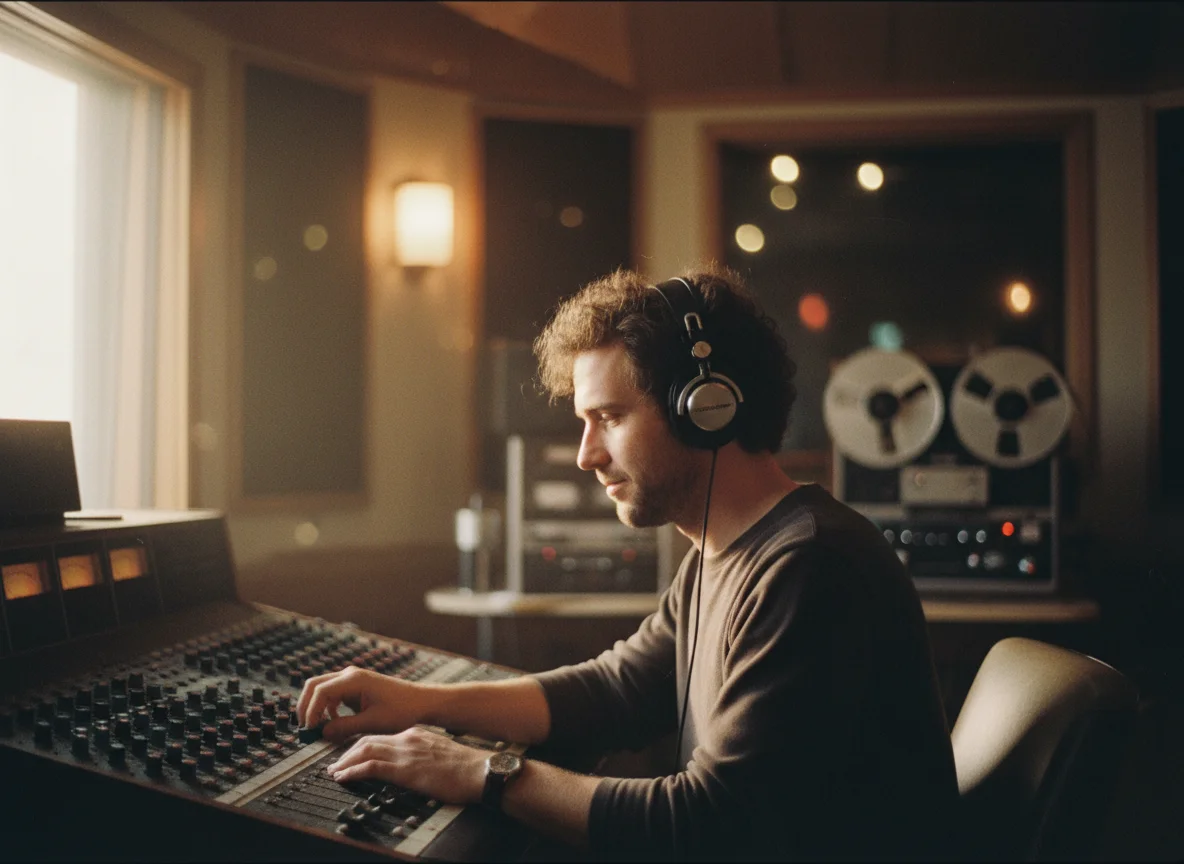
Game developers need dynamic music that adapts to different gameplay moments. BeatMV's AI music remixer lets you take a single theme and create multiple genre variations for different game levels, boss fights, or menu screens. Remix a calm melody into an intense electronic track for combat scenes, or transform an upbeat tune into a mysterious ambient version for exploration sequences. This saves you the cost of hiring multiple composers while keeping your game's soundtrack cohesive and engaging for players across every scene.
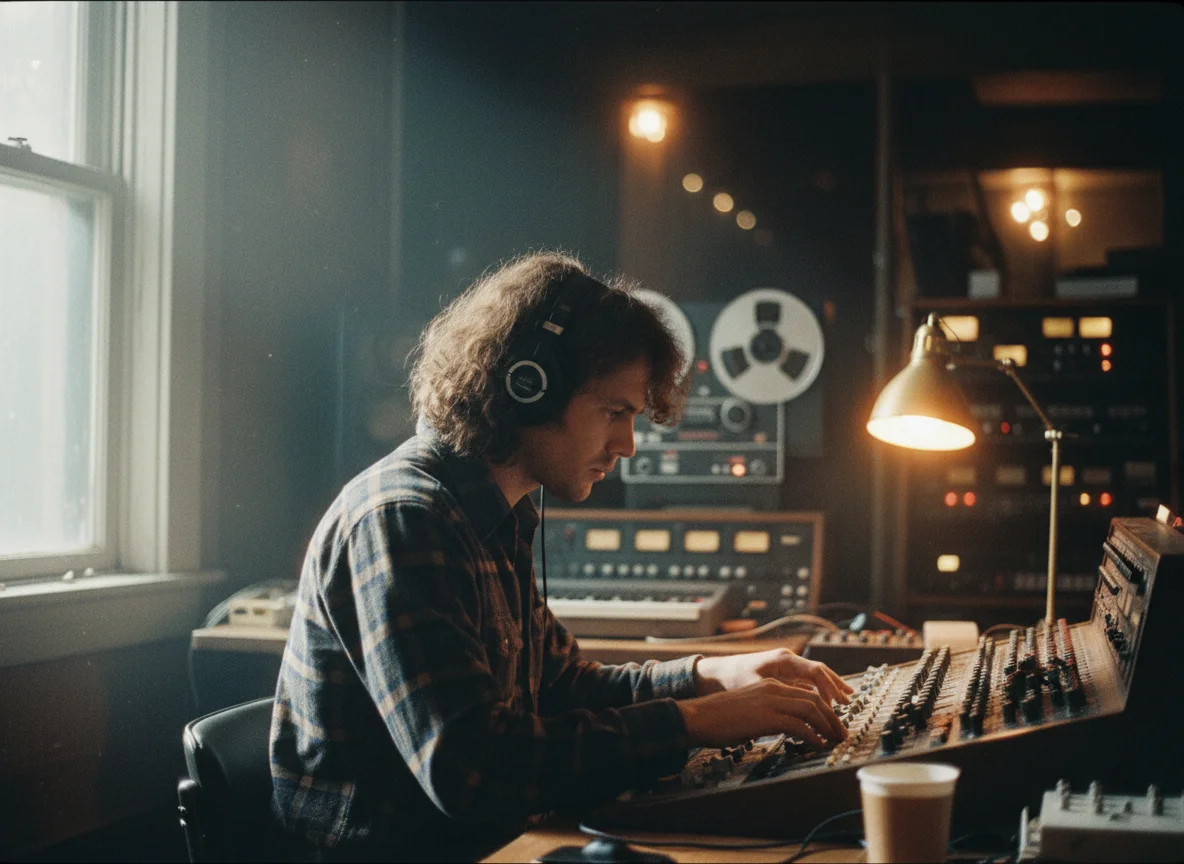
Musicians and producers use BeatMV's AI music remixer to explore creative directions quickly. Before spending hours in a DAW rearranging a song manually, you can test how your track sounds as jazz, trap, reggae, or classical in just minutes. This rapid experimentation helps you discover unexpected combinations that spark fresh ideas for your music production. Whether you are a bedroom producer or a professional artist, the AI remixer gives you a fast way to prototype new arrangements and find the perfect style for your next release.

Here is what makes BeatMV the best AI music remixer for creators, musicians, and producers.
Sign up and get free credits to try BeatMV's AI music remixer right away. No credit card required. Upload your first track, choose a genre, and hear your remix in minutes. You can test every feature before deciding to upgrade, so there is zero risk in getting started with your first AI-powered remix today.
BeatMV takes your data privacy seriously. All uploaded audio files are encrypted during transfer and processing. Your original tracks and finished remixes are stored securely and never shared with third parties. You can delete your files anytime. We built our AI music remixer with creator privacy as a top priority from day one.
BeatMV's AI music remixer produces remixes that sound like they were made in a professional studio. Our advanced algorithms preserve vocal clarity, instrument separation, and audio depth. The output quality is ready for streaming platforms like Spotify and Apple Music, social media posts, or live DJ sets without any additional mastering.
You do not need music production experience to use BeatMV. Our AI music remixer is designed for everyone, from complete beginners to professional producers. The simple three-step process of upload, select genre, and remix means anyone can create impressive remixes in minutes without learning complex software or audio engineering concepts.
Real feedback from musicians, producers, and content creators using BeatMV.
BeatMV's AI music remixer changed how I approach new projects. I used to spend hours manually rearranging tracks in my DAW. Now I test genre ideas in minutes and use the best versions as starting points for final production.

John Smith
Music Producer
I remix tracks with BeatMV to create unique background music for my YouTube videos. The genre options are huge and the audio quality is great. My viewers always ask what music I use, and my content feels way more professional now.

Emily Johnson
YouTube Content Creator
BeatMV helped me create custom intro and transition music for my podcast. I remixed a few tracks into lo-fi versions that match my show's vibe perfectly. Listeners have commented on how polished my episodes sound now.

Michael Lee
Podcast Host
Discover our full suite of AI-powered music creation and editing tools
Create your first AI remix in three simple steps. No music production experience needed.
Drag and drop your audio file into BeatMV's AI music remixer. You can upload MP3, WAV, FLAC, or M4A files up to 50MB. The AI instantly analyzes your track's tempo, key, and structure to prepare it for remixing.
Pick your target genre from 30+ options like EDM, jazz, lo-fi, or hip-hop. Adjust the tempo slider and toggle instrumental-only mode if you want. BeatMV's AI music remixer gives you creative control over exactly how your remix will sound.
Hit the remix button and wait 2 to 4 minutes while BeatMV's AI processes your track. Preview the finished remix directly in your browser. When you are happy with the result, download the high-quality audio file and share it anywhere you want.
Get answers to the most common questions about BeatMV's AI music remixer.
Upload your first track and create a professional AI remix in minutes. Free credits included when you sign up. No music production skills needed.
Try AI Music Remixer Now