Loading...
Loading...
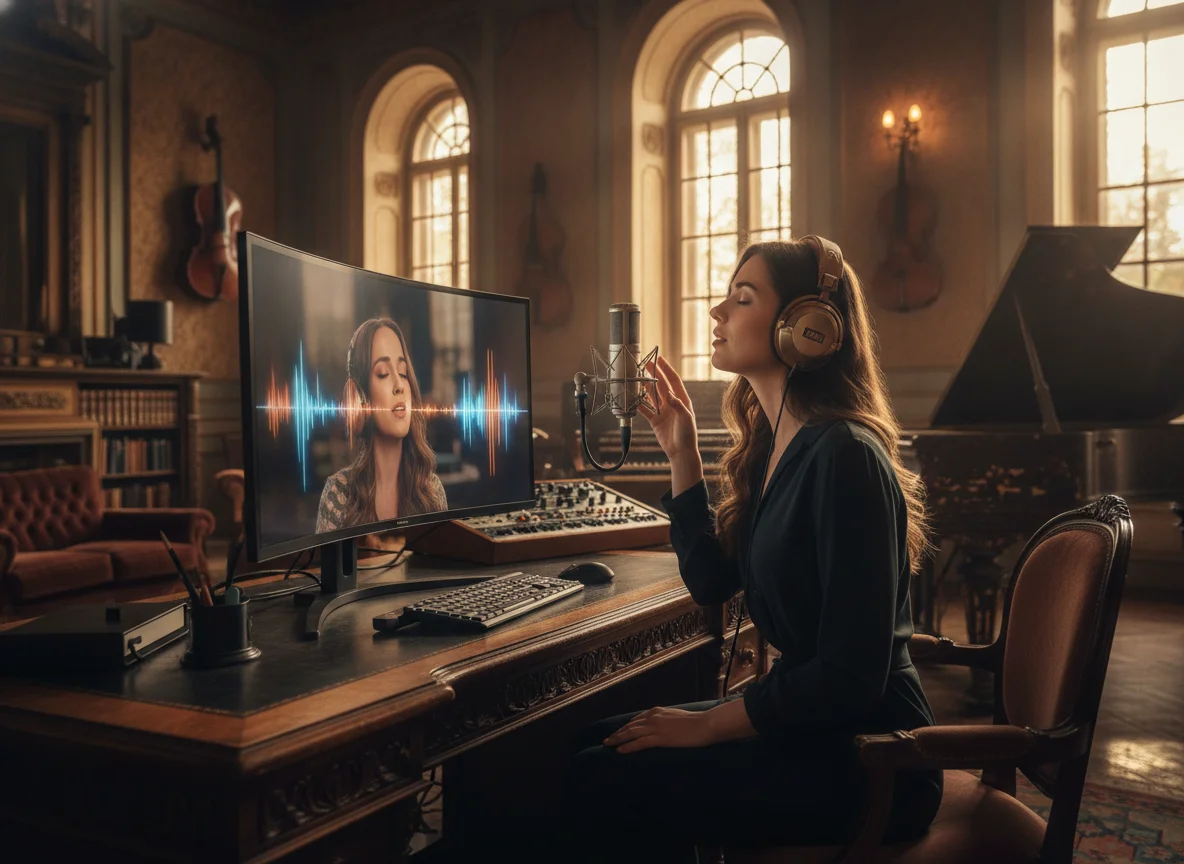
Turn any instrumental into a complete song. BeatMV's AI vocal generator adds studio-quality singing vocals to your track. Just type the lyrics, choose a voice, and hit generate.
No tracks generated yet. Upload an instrumental and add vocals to get started.
Explore how BeatMV can add stunning vocals to your tracks. Discover diverse styles and see how easy it is to enhance your music with rich, expressive vocals.
Everything you need to add vocals to music and produce professional-sounding tracks.
You control every detail when you add vocals to music with BeatMV. Pick male or female voices. Adjust style weight to match your genre. Set audio weight to balance vocals against your instrumental. Fine-tune weirdness constraints to keep the output natural or push it into experimental territory. These controls let you shape the vocal performance until it sounds exactly right for your track.
BeatMV's AI analyzes your instrumental's tempo, key, and rhythm before generating vocals. This means the vocals land on beat and stay in tune with your music automatically. You do not need to manually align timing or pitch-correct the output. The AI handles the integration so the vocals sound like they were recorded specifically for your track.
Add vocals to music in any genre. BeatMV supports pop, rock, hip-hop, jazz, R&B, electronic, country, classical, and many more styles. Each genre uses a different vocal model trained on that specific music style. This gives you authentic-sounding vocals that fit the mood and energy of your song, not generic one-size-fits-all output.
Upload your instrumental in MP3, WAV, FLAC, or M4A format. BeatMV processes all common audio file types so you can work with whatever format your DAW or recording setup exports. Download your finished track with vocals in high-quality format, ready to share on streaming platforms, social media, or use in your video projects.
Adding vocals to music used to require booking studio time, hiring singers, and spending hours on mixing. BeatMV generates vocals in minutes. Upload your file, enter your lyrics, choose a style, and the AI delivers results quickly. This speed means you can try multiple vocal variations and pick the best one without wasting time.
Every vocal track you create with BeatMV is yours to use commercially. Release songs on Spotify, Apple Music, or YouTube. Use them in ads, podcasts, films, or games. You own the output with no royalty fees or licensing headaches. BeatMV gives you clear usage rights so you can focus on making music, not worrying about legal issues.
See how creators across different industries add vocals to music with BeatMV.
Video creators need original music with vocals for their content, but hiring singers is expensive and time-consuming. BeatMV lets you add vocals to music in minutes so you get unique tracks for YouTube videos, TikTok clips, Instagram reels, and podcast intros. You avoid copyright strikes because you own what you create. Upload the beat you like, write lyrics that match your video's theme, and generate vocals that sound professional. Many creators use BeatMV to build a library of custom intro and outro music, background tracks for tutorials, and theme songs for their channels. The result is content that stands out with original music instead of overused stock tracks.
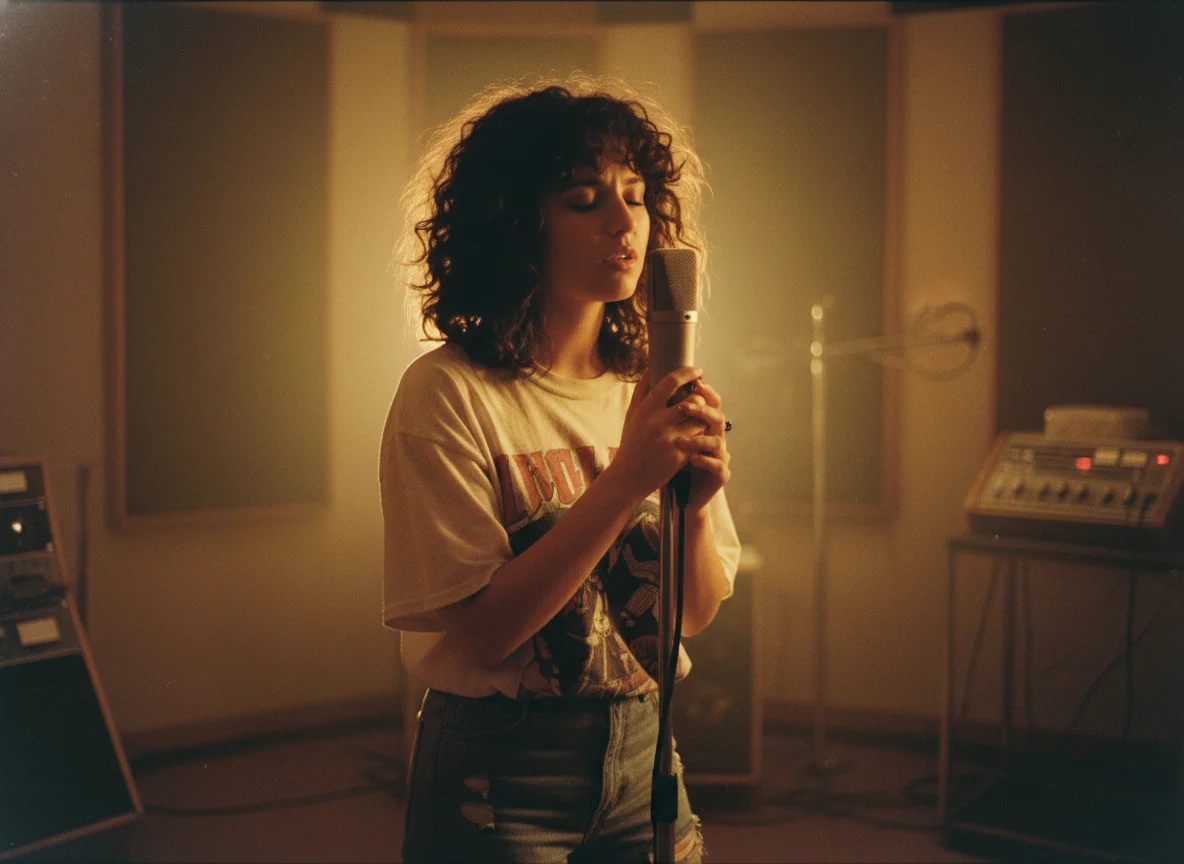
You have a great instrumental but need vocals to complete the track. Instead of searching for a vocalist, booking studio time, and waiting for recording sessions, you can add vocals to music instantly with BeatMV. Producers use our tool to create demo versions of songs, test different vocal styles against their beats, and produce full tracks for release. The AI understands music production conventions across genres, so whether you make trap beats, lo-fi hip-hop, pop productions, or EDM bangers, the vocals fit naturally. You control the vocal gender, style weight, and how much the AI follows your genre tags. Export the finished track and release it on any streaming platform with full commercial rights.

Podcasters use BeatMV to add vocals to music for custom theme songs, segment transitions, and narrative soundscapes. A strong intro with vocals sets the tone for your show and makes it memorable. Instead of using generic royalty-free music that dozens of other podcasts also use, you create something unique. Write lyrics that reflect your show's personality, pick a vocal style, and generate a track that becomes your signature sound. Audio drama producers also use BeatMV to add sung portions to their storytelling, creating emotional moments that pure dialogue cannot achieve. The fast processing means you can experiment with multiple versions before choosing the perfect fit.

Games and films need original music with vocals to create emotional impact. BeatMV helps developers and filmmakers add vocals to music without the overhead of hiring voice talent for every track. Indie game developers use our tool to produce character theme songs, boss battle music with chanting vocals, and menu screen tracks that draw players in. Independent filmmakers generate vocal tracks for montage sequences, title screens, and end credits. The AI adapts to dramatic, upbeat, dark, or whimsical styles depending on your scene's needs. You get production-quality vocals that enhance the player or viewer experience, all while staying within tight budgets and timelines that indie projects demand.
BeatMV gives you the fastest, simplest way to add vocals to music online.
Sign up and get free credits to add vocals to music right away. No credit card required. No subscription needed to get started. You can test different vocal styles, genres, and settings before you decide to upgrade. This way you hear real results with your own instrumental tracks before spending anything.
BeatMV handles pop, rock, hip-hop, jazz, R&B, electronic, country, Latin, afrobeat, and dozens more genres. Each genre uses a trained vocal model that understands the specific singing patterns, rhythms, and vocal textures that make that style sound authentic. You always get vocals that match your music's vibe.
Traditional vocal recording takes days of planning, studio booking, and mixing. BeatMV's AI generates vocals in minutes. Upload your track, type your lyrics, pick a style, and get your song back with vocals added. The fast turnaround means you can iterate quickly and try multiple approaches without wasting time.
You do not need to know music theory, vocal production, or audio engineering. BeatMV's interface is straightforward. Upload a file, fill in a few fields, and click generate. The AI handles pitch matching, timing, and basic mixing automatically. Anyone who can type lyrics can add vocals to music with BeatMV.
Hear from those who transformed their music.
Before BeatMV, integrating vocals was a tedious task. Now, its seamless integration feature saves me hours, and the quality is exceptional. My tracks sound more professional and expressive, and I can focus on creativity.

John Smith
Music Producer
Adding vocals to my videos has never been easier. BeatMV's vocal customization lets me match the mood perfectly, increasing viewer engagement and satisfaction. It's a game-changer for my channel's growth.

Lisa Johnson
Content Creator
BeatMV helped me add depth to my podcast episodes. The genre-specific styles make each story come alive, and listeners have noticed the improvement. It's an essential tool for any podcaster.

Michael Lee
Podcaster
Discover our full suite of AI-powered music creation and editing tools
Add vocals to music with BeatMV in just a few minutes. No technical skills required.
Drag and drop your instrumental file into BeatMV or click to browse your computer. We support MP3, WAV, FLAC, and M4A formats. Your track is uploaded securely and analyzed by our AI to detect tempo, key, and mood automatically.
Type or paste the lyrics you want the AI to sing. Select a music genre like pop, rock, or hip-hop. Choose male or female vocals. Adjust style weight and audio weight settings to control how the vocals blend with your track.
Click generate and BeatMV's AI will add vocals to your music within minutes. Preview the result directly in your browser. If you love it, download the finished track in high quality. You can also generate additional variations to compare different vocal styles.
Get answers to common questions about using BeatMV to add vocals to music.
Enhance your music with AI-generated vocals using BeatMV's powerful tool. Try it now.
Try Add Vocals To Music Now